Introduction
Hey there. Managing social media can feel like a full-time job. You’re constantly posting, replying, analyzing, and strategizing. Automate your social media posts with the best proven tools and make your life easy. Whether you’re a small business owner, a content creator, or a social media manager, these tools can save you hours of work while maximizing your online presence.
In this blog post, you’ll discover some of the best tools for automating social media, how they work, and why they’re worth using. Each of these tools caters to different needs, so you’ll want to pick the ones that fit your goals.
Pin this for later
1. Buffer: The All-in-One Social Media Scheduler
Buffer is one of the most popular social media scheduling tools, and for good reason. It’s easy to use and supports a wide range of platforms, including Facebook, Twitter, Instagram, LinkedIn, and Pinterest. Buffer lets you plan and schedule your posts in advance, ensuring your content goes live at the optimal times for engagement. This tool is especially great for individuals and small teams who need a simple yet effective scheduling solution.
Key features:
- Clean and intuitive interface.
- Schedule posts for multiple platforms.
- Analyze post performance with insights.
- Repost top-performing content.
- Collaborate with team members.
- Browser extension for easy content curation.
Pro Tip: Use Buffer’s “Best Time to Post” feature to automatically schedule content during peak engagement times. This ensures your posts reach the largest audience possible.
Want easy, practical content tips to grow your business? Join my weekly email list for Canva tricks, new social media updates, and simple strategies that actually work.
2. Hootsuite: The Social Media Powerhouse
Hootsuite is a robust tool that’s ideal for businesses of all sizes. It supports over 20 social media networks, making it one of the most versatile platforms available. With Hootsuite, you can schedule posts, monitor social media activity, and engage with your audience—all from a single dashboard.
One of Hootsuite’s standout features is its social listening capability. This allows you to track mentions of your brand, competitors, or specific keywords across different platforms. If you’re managing multiple accounts or running complex campaigns, Hootsuite’s advanced features are a game-changer.
Key features:
- Supports 20+ social media platforms.
- Social listening tools for monitoring brand mentions.
- Advanced analytics to measure your ROI and reporting.
- Content curation with RSS feeds.
- Team collaboration features.
Pro Tip: Set up streams in Hootsuite to monitor hashtags, keywords, or competitor activity. This will give you valuable insights and help you stay ahead of trends.
3. Later: The Visual Content Specialist
If your focus is on Instagram or other visually-driven platforms like Pinterest, Later is a fantastic choice. Later specializes in scheduling and managing visual content. It offers a drag-and-drop calendar that makes it easy to plan your feed’s aesthetic and schedule posts. The platform also includes a media library where you can store and organize your photos and videos.
Key features:
- Drag-and-drop calendar for visual planning.
- Media library for organizing content.
- Analytics focused on Instagram performance, audience demographics, optimal posting time.
- Linkin.bio for clickable landing pages.
- Hashtag suggestions to boost reach.
Pro Tip: Use Later’s hashtag suggestions feature to find relevant and high-performing hashtags for your posts. This can significantly increase your content’s visibility.
4. Sprout Social: The Complete Social Media Management Tool
Sprout Social is a comprehensive social media management platform that combines scheduling, analytics, and engagement tools. It’s particularly well-suited for businesses and agencies that need advanced features. Sprout Social supports major platforms like Facebook, Twitter, Instagram, LinkedIn, and Pinterest.
One of Sprout Social’s unique features is its social CRM (customer relationship management) tool. This allows you to track interactions with your audience and build better relationships.
Key features:
- Social media scheduling and publishing.
- Social CRM for audience interaction.
- Comprehensive analytics and reporting.
- Task assignment for team collaboration.
- Content calendar for planning campaigns.
Pro Tip: Use Sprout Social’s analytics to create custom reports that showcase your social media performance. This is especially useful for presenting results to clients or stakeholders.
5. Canva: Automate Stunning Visual Content
While Canva isn’t a scheduling tool, it’s an essential part of automating your social media workflow. Canva allows you to create professional-quality graphics, videos, and animations quickly. Its user-friendly interface and extensive library of templates make it easy for anyone to design eye-catching content.
Canva integrates with scheduling tools like Buffer and Hootsuite, so you can create and publish your visuals seamlessly, maintaining a consistent brand aesthetic.
Key features:
- Thousands of customizable templates.
- Drag-and-drop editor for easy design.
- Integration with scheduling tools.
- Library of stock photos, videos, and icons.
- Brand kit for consistent visuals.
Pro Tip: Save time by creating reusable templates in Canva. This ensures your content is always on-brand and allows for quicker turnarounds.
6. SocialBee: The Category-Based Scheduler
SocialBee is a unique social media automation tool that organizes your content into categories, making it easier to maintain a balanced posting schedule. You can create categories like “Promotions,” “Educational Posts,” and “User-Generated Content,” and set specific posting times for each.
This category-based approach ensures that your feed stays diverse and engaging. SocialBee also supports evergreen content recycling, so your best-performing posts can be reshared automatically.
Key features:
- Category-based content scheduling.
- Evergreen content recycling.
- Supports multiple social media platforms.
- Analytics to measure performance.
- Collaboration tools for teams.
Pro Tip: Use SocialBee’s evergreen recycling feature for blog posts or tutorials that remain relevant over time. This helps keep your feed active without creating new content constantly.
7. MeetEdgar: The Evergreen Content Expert
MeetEdgar is another excellent tool for automating your social media posts, particularly if you have a lot of evergreen content. This tool allows you to categorize and recycle your posts, ensuring your best content gets the visibility it deserves. MeetEdgar’s automation features can fill gaps in your posting schedule by resharing older posts. Designed for simplicity, it is a great option for solopreneurs and small businesses.
Key features:
- Evergreen content recycling.
- AI-generated post variations.
- Content categories for organized scheduling.
- Easy-to-use interface.
- Integration with major platforms.
Pro Tip: Create multiple variations of your evergreen posts using MeetEdgar’s AI feature. This keeps your content fresh while saving you time.
8. Zoho Social: Perfect for Small Businesses
Zoho Social is an affordable yet powerful tool for small businesses and startups. It offers scheduling, monitoring, and analytics features, all in one platform. Zoho Social supports Facebook, Twitter, Instagram, LinkedIn, and Google My Business, making it ideal for local businesses.
Key features:
- Affordable pricing for small businesses.
- Integration with Zoho CRM which allows you to track leads and measure impact of social media campaigns on sales.
- Post scheduling and monitoring.
- Analytics and performance tracking.
- Customizable content calendar.
Pro Tip: If you’re already using Zoho CRM, integrate it with Zoho Social to gain deeper insights into how your social media efforts impact your sales funnel.
Save this for later
9. Tailwind: Best for Pinterest and Instagram
Tailwind is a specialized tool for Pinterest and Instagram that offers advanced scheduling and analytics features tailored for these platforms. Its visual planning tool makes it easy to maintain a cohesive aesthetic on Instagram, while its Pinterest tools allow for efficient pinning and board management.
One of Tailwind’s most notable features is SmartSchedule, which automatically chooses the best times to post based on your audience’s activity to optimize your reach. Tailwind Create automatically makes your posts and its AI helps in writing descriptions/captions. Tailwind Tribes also allow you to collaborate with other users to expand your reach and discover new content ideas.
Key features:
- SmartSchedule for optimal posting times.
- Visual planner for Instagram feeds.
- Bulk pinning for Pinterest.
- Tailwind Tribes for collaboration and content discovery.
- In-depth analytics for Instagram and Pinterest.
Pro Tip: Use Tailwind’s Create to make templates best suited for your brand.
10. Planoly: The Instagram Planner
Planoly is a user-friendly tool designed specifically for Instagram and Pinterest. It offers a drag-and-drop interface that helps you plan your posts visually, ensuring your feed stays cohesive and attractive. Planoly also allows you to schedule posts, track analytics, and manage comments directly from the platform.
Key features:
- Drag-and-drop post scheduling.
- Instagram Stories and Reels planner.
- Analytics and engagement tracking.
- Hashtag management.
- Shoppable posts for e-commerce.
Pro Tip: Use Planoly’s Stories planner to storyboard your Instagram Stories in advance, ensuring they flow seamlessly and capture your audience’s attention.
11. Agorapulse: Simplify Social Media Management
Agorapulse is a comprehensive social media management tool that combines scheduling, monitoring, and analytics. It supports platforms like Facebook, Instagram, Twitter, LinkedIn, TikTok, and YouTube. Agorapulse stands out for its unified inbox, which allows you to manage all your social media interactions in one place.
Key features:
- Unified inbox for all social media interactions.
- Detailed analytics and reporting to track social media ROI.
- Content scheduling and publishing.
- Social listening tools.
- Team collaboration features to assign tasks and manage workflows.
Pro Tip: Use Agorapulse’s automated inbox assistant to prioritize and organize incoming messages, saving time and improving response rates.
12. CoSchedule: The Marketing Calendar
CoSchedule is more than just a social media scheduling tool—it’s a full-fledged marketing calendar. It helps you organize all your marketing activities, including social media, blog posts, and email campaigns, in one place. This makes it ideal for marketers juggling multiple projects.
CoSchedule’s ReQueue feature automatically fills gaps in your posting schedule by resharing your best-performing content. This ensures your channels stay active, even during busy periods.
Key features:
- Unified marketing calendar.
- ReQueue for automated post recycling.
- Task management and collaboration tools.
- Integration with marketing tools like WordPress and HubSpot.
- Analytics to measure performance.
Pro Tip: Use CoSchedule’s headline analyzer to create compelling headlines for your blog posts and social media content, boosting clicks and engagement.
13. Sendible: Tailored for Agencies
Sendible is a powerful tool designed with agencies in mind. It supports multiple social media platforms and offers features like scheduling, monitoring, and analytics. Sendible also integrates with tools like Canva, Google Analytics, and Slack, making it a versatile option for managing client accounts.
One of Sendible’s standout features is its ability to create customized dashboards for different clients. This makes it easier to manage multiple accounts while keeping everything organized.
Key features:
- Custom dashboards for clients.
- Integration with third-party tools.
- Advanced scheduling and publishing.
- Social listening and sentiment analysis.
- Comprehensive analytics.
Pro Tip: Use Sendible’s content approval workflows to streamline client communication and ensure posts meet their requirements before publishing.
14. Post Planner: Content Discovery and Scheduling
Post Planner simplifies content discovery and scheduling by curating top-performing posts from across the web. It is ideal for businesses and solopreneurs who struggle to find engaging content to share. Post Planner also helps you schedule posts at optimal times to maximize engagement.
Key features:
- Content discovery based on engagement data.
- Post scheduling for multiple platforms.
- Analytics to track performance.
- Content calendar for planning.
- Affordable pricing for small businesses.
Pro Tip: Use Post Planner’s star ratings to identify high-performing content ideas quickly, saving you time during content curation.
15. ContentStudio: Advanced Content Marketing
ContentStudio is a versatile tool that combines social media management with content marketing features. It supports scheduling, analytics, and content discovery for platforms like Facebook, Twitter, Instagram, LinkedIn, Pinterest, and YouTube.
ContentStudio’s AI-powered features make it easy to discover trending content, curate posts, and automate publishing. It also includes a powerful workflow for team collaboration.
Key features:
- AI-driven content discovery.
- Social media scheduling and publishing.
- Analytics and reporting.
- Content calendar for planning.
- Team collaboration tools.
Pro Tip: Use ContentStudio’s AI-based content suggestions to keep your feed fresh with trending topics and articles.
16. Metricool: Simplify Analytics and Scheduling
Metricool is a versatile tool that combines scheduling, analytics, and ad management in one platform. It supports platforms like Facebook, Instagram, Twitter, LinkedIn, Pinterest, TikTok, and even Google Ads. Metricool’s analytics dashboard is particularly user-friendly, making it easy to track your performance across multiple channels.
Key features:
- Post scheduling and publishing.
- Analytics for multiple platforms.
- Ad management for Google and social media.
- Competitor analysis.
- Heatmaps to track website traffic.
Pro Tip: Use Metricool’s competitor analysis feature to benchmark your performance and identify opportunities for improvement.
Wrapping It Up
Social media automation tools can revolutionize the way you manage your online presence, saving you time and effort while ensuring your content reaches your audience effectively. Whether you’re a small business owner, a solopreneur, or a social media manager for a large organization, there’s a tool (or combination of tools) out there to suit your needs. From scheduling and analytics to visual content creation and customer engagement, these tools can help you stay ahead in the fast-paced world of social media.
However, it’s important to remember that not all tools are created equal, and what works for one person or business may not work for another. Some tools excel in visual platforms like Instagram and Pinterest, while others are better for multi-platform management or in-depth analytics. Take the time to assess your specific goals, budget, and preferred features before choosing the tools that best align with your needs.
Disclaimer
The tools mentioned in this article vary in functionality, pricing, and ease of use. It is recommended that you explore their features thoroughly, sign up for free trials where available, and evaluate them based on your business requirements. What works for one business may not necessarily be the right fit for another, so choose wisely and invest in tools that will truly add value to your social media strategy.
Loved This Post? Save It for Later!
And hey! If this post helped you, don’t forget to pin it to one of your boards so you can revisit it anytime. And more small business owners and creators can discover these helpful tips. Every save and share genuinely supports my work, and I’m grateful for it! Thank you!

WANT TO MASTER CANVA LIKE A PRO?
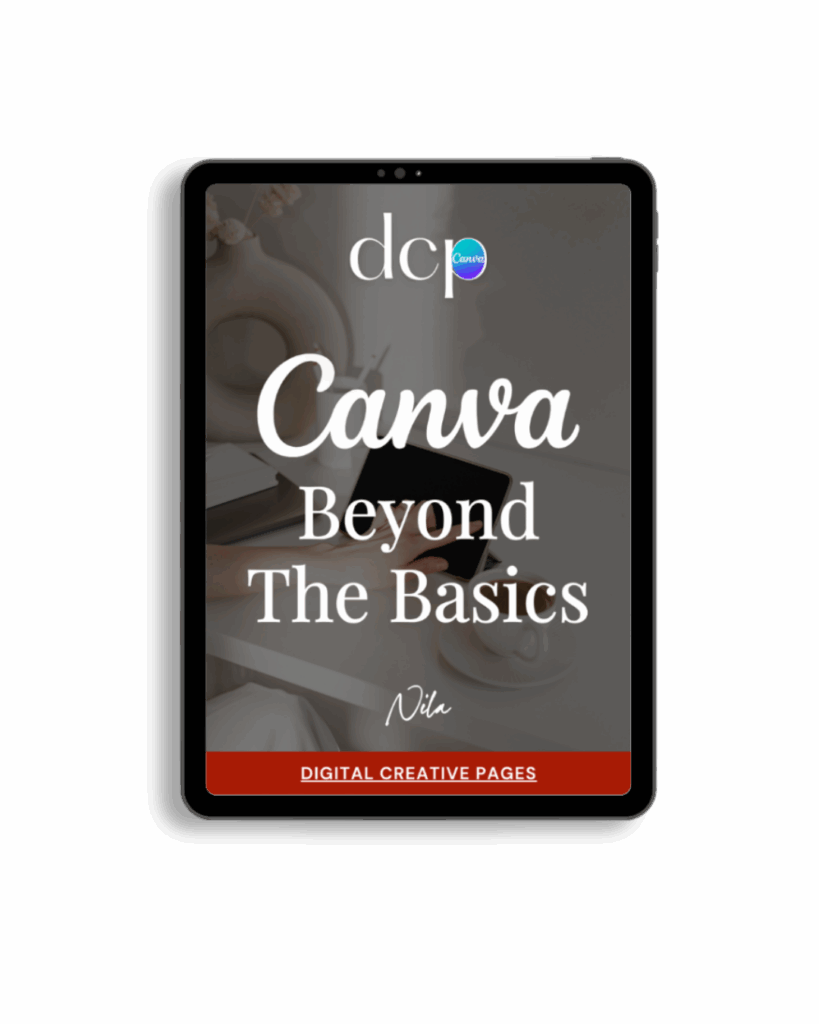
If you’re ready to move beyond basic designs and unlock Canva’s most powerful features, my book Canva – Beyond the Basics is for you.
Learn advanced workflows, time-saving hacks, and features like brand templates that busy entrepreneurs need to create professional content faster. It’s designed for anyone who wants to work smarter, not harder.
TEMPLATES FOR ENTREPRENEURS
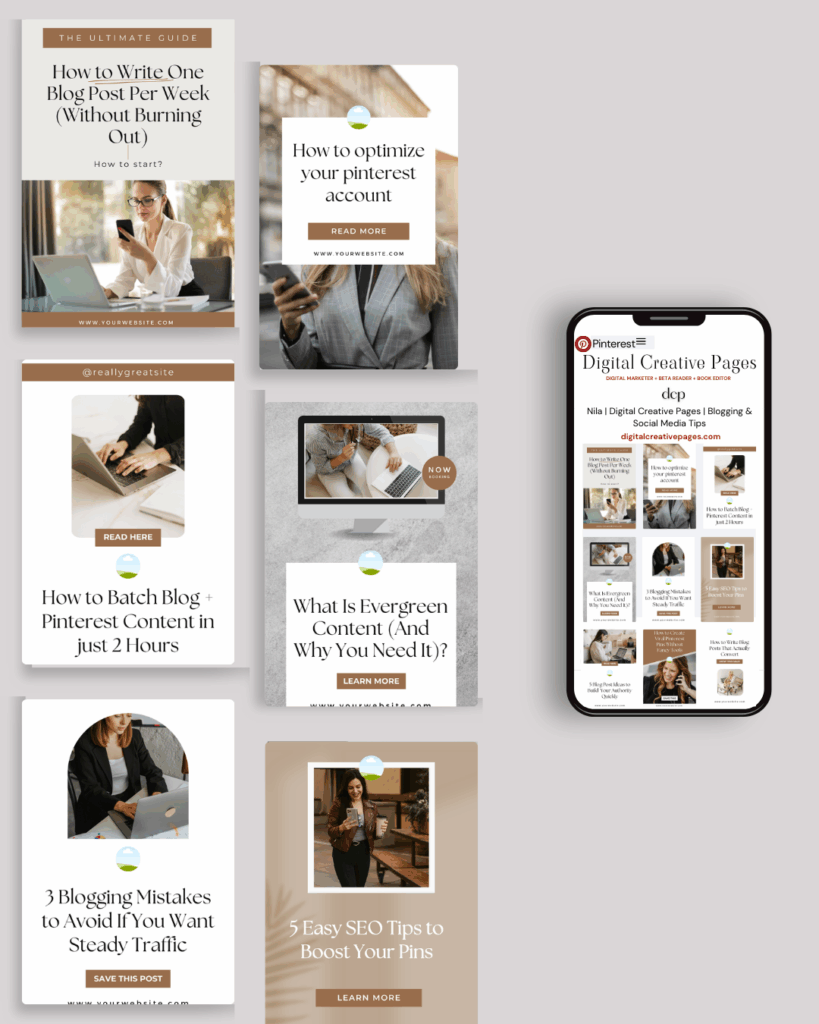
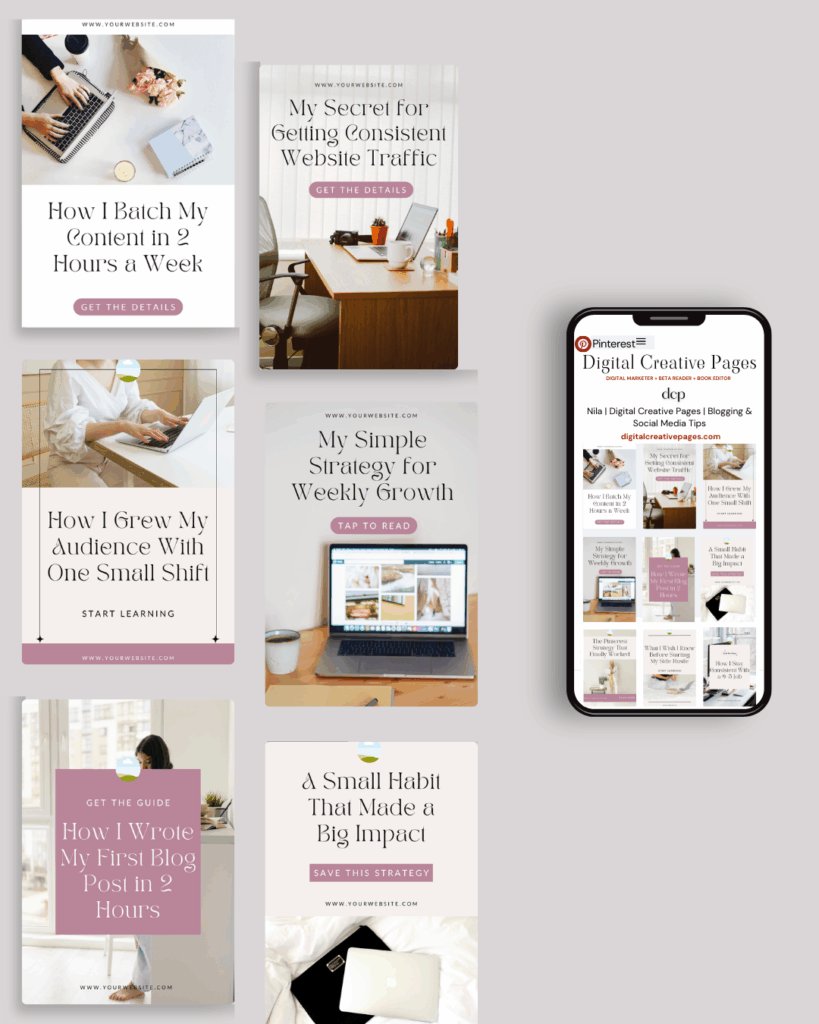
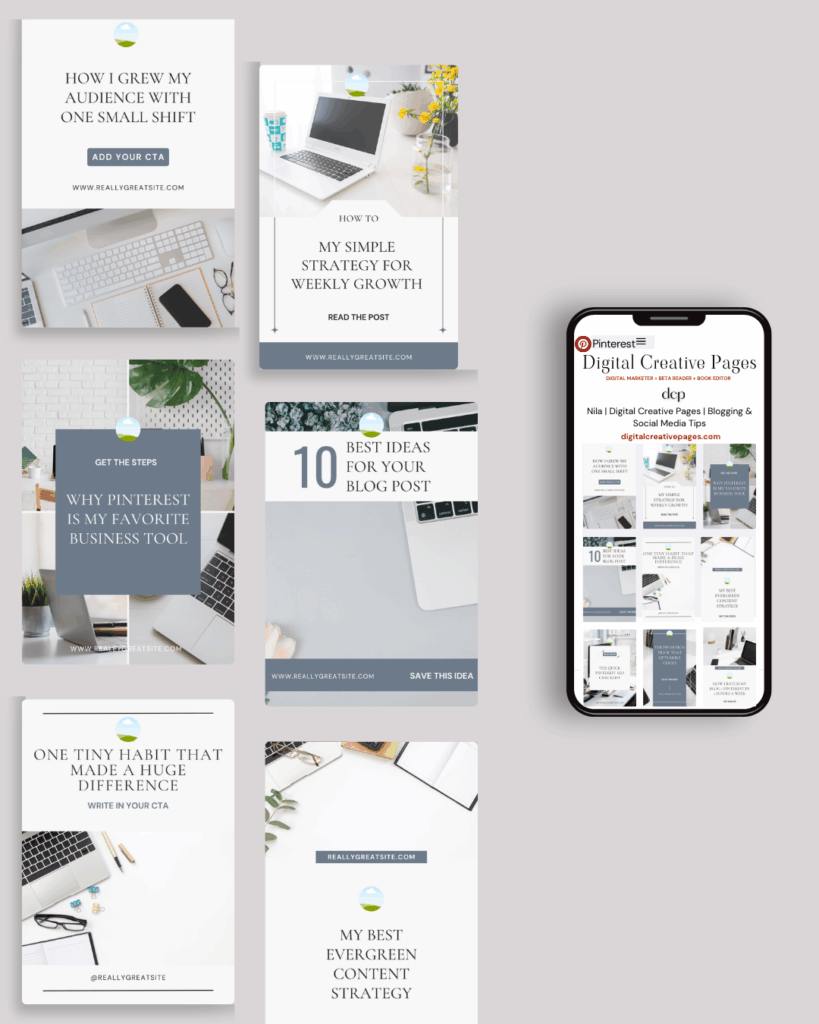
No time to design from scratch? My Pinterest Templates are created with strategy, structure, and your brand in mind.
Pick your style: Modern Minimalist | Soft Storytelling | Entrepreneur-Friendly Layouts
For the cost of a latte, get them here → DCP Shop → $5
MY TOP POSTS
My INTRODUCER post – check out why I chose Showit as my website builder here
Use my affiliate code DCP to get one 1.5 months free on Showit
Get all the resources for your online business growth and Pinterest marketing without breaking the bank from my DCP Shop here
By signing up for my freebies, you are agreeing that I can use your email address to market to you. You can unsubscribe from marketing emails at any time by using the link in my emails.
Previous post
next post
Search + Enter

meet nila

Hi. I am
Nila
Beta reader, book editor, Pinterest manager, Showit VA
I’m a beta reader and book editor and PA for authors, specializing in story clarity and developmental feedback. I run a sustainable online business that keeps working for me 24/7.
Along with this, I offer Pinterest management for overwhelmed creatives and entrepreneurs and set up and customize Showit templates when the tech side gets too overwhelming.

My Shop
Buy now
i need it

Free Stuff
get the goods
check it out

My Favorites
apps + Tools
Yes, please


