Introduction
Are you looking to drive more traffic to your blog using Pinterest? You’re in the right place! Pinterest isn’t just a place for pretty pictures – it’s a powerful search engine that can significantly increase your blog’s visibility and traffic. In this post, we’ll explore 5 Pinterest features, often overlooked, that can help skyrocket your blog traffic in as little as 30 days
Pin this for later

1. Idea Pins: Your Secret Weapon for Pinterest Engagement
Idea Pins are one of Pinterest’s most powerful yet underutilized features for bloggers. These multi-page pins allow you to create immersive, story-like content that can significantly boost your engagement rates.
How to Use Idea Pins for Maximum Blog Traffic:
- Create step-by-step tutorials related to your blog content
- Tease your latest blog posts with key highlights
- Showcase before-and-after transformations
Pro tip: Include a strong call-to-action in your Idea Pins to drive traffic back to your blog
Want easy, practical content tips to grow your business? Join my weekly email list for Canva tricks, new social media updates, and simple strategies that actually work.
2. Pinterest Trends: Leverage Real-Time Data for Content Planning
Pinterest Trends is a goldmine for content creators looking to stay ahead of the curve. This feature provides real-time data on what Pinterest users are searching for, allowing you to tailor your content to current interests.
Using Pinterest Trends to Boost Blog Traffic:
- Identify rising trends in your niche
- Plan your content calendar around popular search terms
- Optimize your pin descriptions with trending keywords
Remember, timing is everything. Use Pinterest Trends to publish content when interest is peaking.
Free Resource – Pinterest Dos and Don’ts Guide to skyrocket your success
3. Rich Pins: Enhance Your Pins with Extra Information
Rich Pins are like regular pins on steroids. They pull additional information from your website to make your pins more informative and clickable, potentially increasing your click-through rates.
Types of Rich Pins to Drive Blog Traffic:
- Article Pins: Display your blog post’s headline, author, and description
- Product Pins: Show real-time pricing and availability (great for bloggers who sell products)
- Recipe Pins: Include ingredients, cooking times, and serving info
To set up Rich Pins, you’ll need to add metadata to your website and apply for Rich Pins through Pinterest.
PIN TEMPLATE CLUB
Creating consistent Pinterest graphics shouldn’t eat up your entire afternoon. That’s why I created the Pinterest Template Membership, where 15 trending, ready-to-customize templates are delivered to your inbox every month for just $9.
No more design paralysis. No more wondering what’s working on Pinterest right now. I research the trends, you get the templates.
Join the membership for $9/month → HERE
🎁 Want 6 Free Pinterest Templates?
Not sure if templates are for you? Grab 6 of my trending Pinterest designs (fully editable in Canva) and test them out. Completely free.
4. Pinterest Search Ads: Amplify Your Reach
While organic reach is great, Pinterest Search Ads can give your pins an extra boost. These ads appear in search results, allowing you to reach users when they’re actively looking for content like yours.
Tips for Effective Pinterest Search Ads:
- Target specific keywords relevant to your blog niche
- Use high-quality, eye-catching images
- Write compelling ad copy that encourages clicks
Start with a small budget and test different pin designs to see what resonates best with your audience.
Need a Pinterest strategy that actually works?
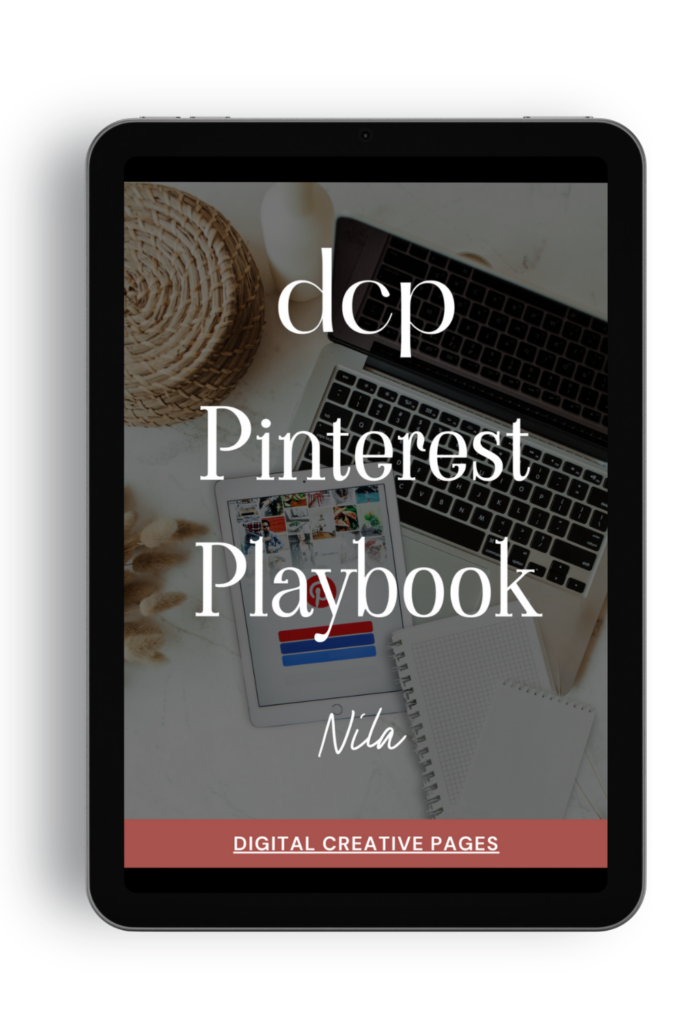
The Pinterest Playbook covers everything: how to set up your account, SEO keyword research, algorithm secrets, where to add the keywords, what kind of pins to make.
It’s the complete guide I wish I had when I started. Just 84 pages of what works.
$27 → Get the playbook
5. Board Sections: Organize Your Way to Success
Board sections might seem like a simple organizational tool, but they can significantly impact your Pinterest strategy. Well-organized boards make it easier for users to find your content and can boost your visibility in Pinterest’s search results.
How to Use Board Sections to Increase Blog Traffic:
- Create sections based on subtopics within your niche
- Use keyword-rich names for your sections
- Regularly update sections with fresh content Pro tip: Pin your blog content to multiple relevant sections to increase its visibility.
Pro tip: Pin your blog content to multiple relevant sections to increase its visibility.
Need Pinterest keywords that actually work?
Stop guessing. I’ll research 30 SEO keywords for your niche – the words/phrases people are searching for on Pinterest right now.
You fill out a quick form (niche, content type, blog posts), I do the research, and you get a keyword list in 7 days. Use them in your pins, titles, and descriptions.
$27. Simple.
Request your keywords → HERE
Conclusion – Implementing Your Pinterest Traffic Strategy
By leveraging these five powerful Pinterest features – Idea Pins, Pinterest Trends, Rich Pins, Search Ads, and Board Sections – you can significantly boost your blog traffic. Remember, consistency is key on Pinterest. Implement these strategies consistently over the next 30 days, and you should start seeing a noticeable increase in your blog traffic.
Ready to take your Pinterest game to the next level? Start implementing these features today and watch your blog traffic soar!
Ready to take your Pinterest strategy to the next level but don’t have the time?
As an experienced Pinterest manager, I help busy entrepreneurs and content creators grow their traffic and sales through strategic Pinterest marketing. From keyword-optimized pin creation to board management and analytics tracking, I handle the technical details so you can focus on your business.
If you’re ready to transform your Pinterest presence without the overwhelm, let’s chat about how my Pinterest Management Services can work for you. Learn more about my services to get started.
Loved This Post? Save It for Later!
And hey! If this post helped you, don’t forget to pin it to one of your boards so you can revisit it anytime. And more small business owners and creators can discover these helpful tips. Every save and share genuinely supports my work, and I’m grateful for it! Thank you!
TEMPLATES FOR ENTREPRENEURS
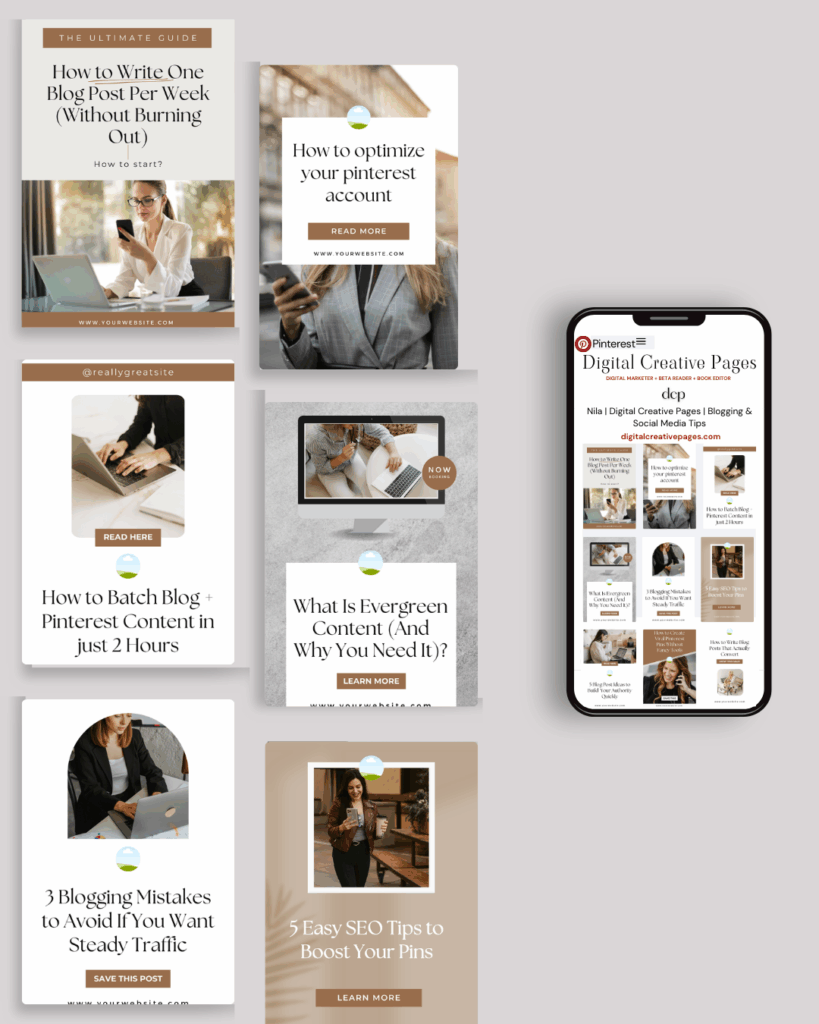
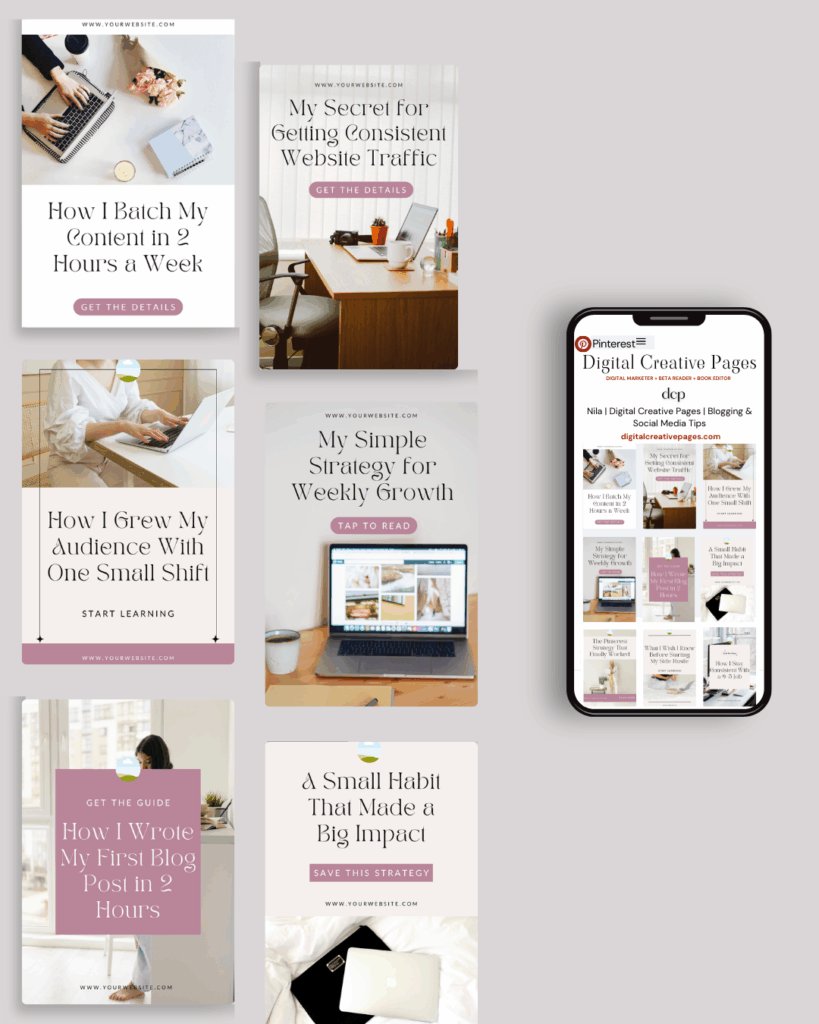
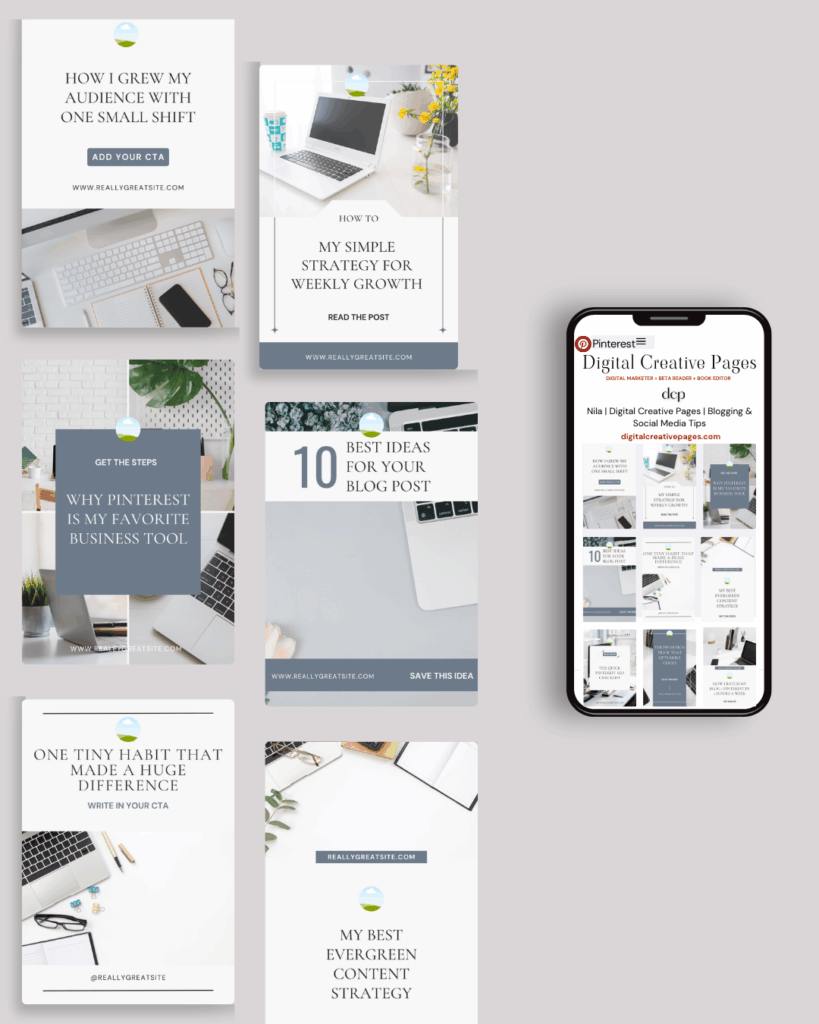
No time to design from scratch? My Pinterest Templates are created with strategy, structure, and your brand in mind.
Pick your style: Modern Minimalist | Soft Storytelling | Entrepreneur-Friendly Layouts
For the cost of a latte, get them here → DCP Shop → $5
MY TOP POSTS
My INTRODUCER post – check out why I chose Showit as my website builder here
Use my code DCP to get one 1.5 months free on Showit
Get all the resources for your online business growth and Pinterest marketing without breaking the bank from my DCP Shop here
By signing up for my freebies, you are agreeing that I can use your email address to market to you. You can unsubscribe from marketing emails at any time by using the link in my emails.
Leave a Reply
Previous post
next post
Search + Enter

meet nila

Hi. I am
Nila
Beta reader, book editor, Pinterest manager, Showit VA
I’m a beta reader and book editor and PA for authors, specializing in story clarity and developmental feedback. I run a sustainable online business that keeps working for me 24/7.
Along with this, I offer Pinterest management for overwhelmed creatives and entrepreneurs and set up and customize Showit templates when the tech side gets too overwhelming.

My Shop
Buy now
i need it

Free Stuff
get the goods
check it out

My Favorites
apps + Tools
Yes, please


That’s a lot of great information to take in. I’ll definitely save this!
Thank you so much. I am glad you liked it and found it informative.