Introduction
Hey guys. A new blog post and this one is about how to make Pinterest boards improve your reach. Did you know naming your boards wrongly can be the reason your pins are invisible. In 2026, Pinterest no longer works as it did in 2017, where SEO was not on anyone’s horizon, and you could name your boards “Blog Posts” or “My Favorites” or “All My Pins.” Everything was haphazard and it was okay then. As it was the way all of us were doing it.
Pin This Pic to Your Pinterest Boards
Are Your Pinterest Boards Working Against You?
In 2026, Pinterest is a search engine, and its algorithm no longer allows chaotic boards where pins do not match the niche. It then begins to stop showing your pins to your audience, working actively against your business.
You guessed it right. You can post the right number of pins every single day, with searchable keywords, have the right design, yet the algorithm penalizes you, without your even realizing it. And you know what’s responsible for it? Yes. Your boards. Boards are one of the first things you’ve got to optimize.
How will your audience find you if the algorithm does not understand your niche?
Want easy, practical content tips to grow your business? Join my weekly email list for Canva tricks, new social media updates, and simple strategies that actually work.
Why Are Boards On Pinterest So Important
Pinterest boards are not a place where you can park your pins all together. They are the addresses that you give the algorithm to understand what kind of pins are housed there.
In 2017, the boards were for your organizational convenience, but now in 2026, they tell the algorithm about your business and your niche. Every pin that you save on your board is hard data for the algorithm to understand your business. The algorithm looks at all your boards and analyzes your pins and content and checks if they match. For example, you can’t have a board that says kids room and have a recipe pin in that.
If the pins don’t match the boards, Pinterest algorithm gets confused and bypasses your content. The super specific you are in your keywords, the better it is for the algorithm to improve the reach.
Pin This Now
Pinterest Algorithm And Boards
Here’s how the algorithm works. Think of it like a story plot board with its connections between characters and plot twists and subplots. Your pins and boards are connected with strong threads, and the algorithm constantly runs between them to show the relevant content to your audience. When your pin is saved to a highly relevant, super focused, searchable keyword board, the algorithm gets into its stride and runs direct pathways from your content to other relevant content and also from other relevant pins to yours. That means the algorithm knows where your pin stands in your niche and related ones too.
Pinterest has now started showing only those pins that are located in highly optimized boards, even if your pin design is eye-catching and filled with relevant keywords. It actually reduces the reach of pins that are in non-optimized boards. The board is the address, and the pin, the correct room within it. So, optimize your boards so the algorithm finds the right address.
You can say – but I have all my pins in the right boards, then what are you talking about, Nila?
PIN TEMPLATE CLUB
Creating consistent Pinterest graphics shouldn’t eat up your entire afternoon. That’s why I created the Pinterest Template Membership, where 15 trending, ready-to-customize templates are delivered to your inbox every month for just $9.
No more design paralysis. No more wondering what’s working on Pinterest right now. I research the trends, you get the templates.
Join the membership for $9/month → HERE
🎁 Want 6 Free Pinterest Templates?
Not sure if templates are for you? Grab 6 of my trending Pinterest designs (fully editable in Canva) and test them out. Completely free.
The Right Boards Vs The Curated Boards
If you have a healthy meal recipe pin, and you have pinned it on the Quick Home Meals, the board is right. Your pin reaches some of your target audience. But if you place the same pin in Healthy Meals for Weight Loss board, you are placing it in a highly curated board. This pin then reaches your ideal audience who would save and click on it. This denotes authority. Does this make sense?
Pinterest now wants – what is the pin about, for whom would it be beneficial, and who are your target audience. So, in the previous example, you can have boards like – Healthy Meals for Weight Loss. Healthy Recipes for Calorie Count. Easy 30 Minute Healthy Recipes. Clean Eating Healthy Recipes. Healthy Recipes for Busy Moms. Healthy Recipes for Pregnancy.
Pinterest Board Mistakes That Are Killing Your Reach
- Don’t have a board that says All My Pins and pin everything in it. Hide it even if Pinterest has it on by default.
- Don’t have a board that is vague and focusing on your vibes and aesthetics. You can have a secret board (all secret boards are private) and pin all such pins in it.
- Don’t have a board that is not specific enough. Healthy Meals board is good. But healthy meals in 30 minutes is ultra specific.
Wrapping it up
Follow these 3 rules and watch your impressions and click-through rate soar. Your Pinterest boards are your first introduction to the algorithm. Make them count.
Loved This Post? Save It for Later!
And hey! If this post helped you, don’t forget to pin it to one of your boards so you can revisit it anytime. And more small business owners and creators can discover these helpful tips. Every save and share genuinely supports my work, and I’m grateful for it! Thank you!
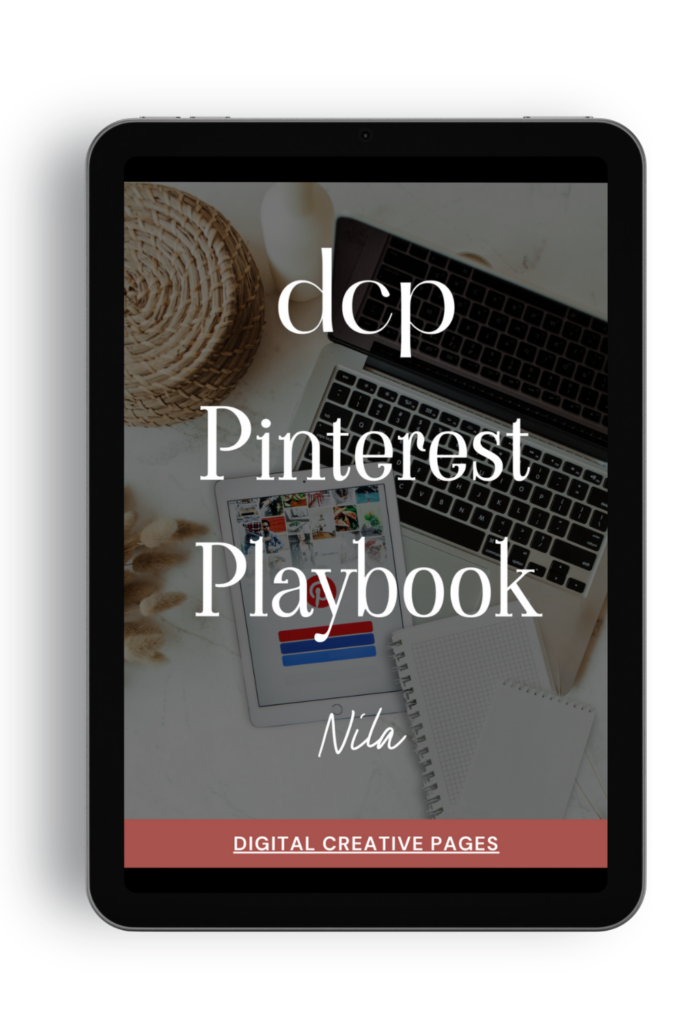
Need a Pinterest strategy that actually works?
The Pinterest Playbook covers everything: how to set up your account, SEO keyword research, algorithm secrets, where to add the keywords, what kind of pins to make.
It’s the complete guide I wish I had when I started. Just 84 pages of what works.
$27 → Get the playbook
WANT TO MASTER CANVA LIKE A PRO?
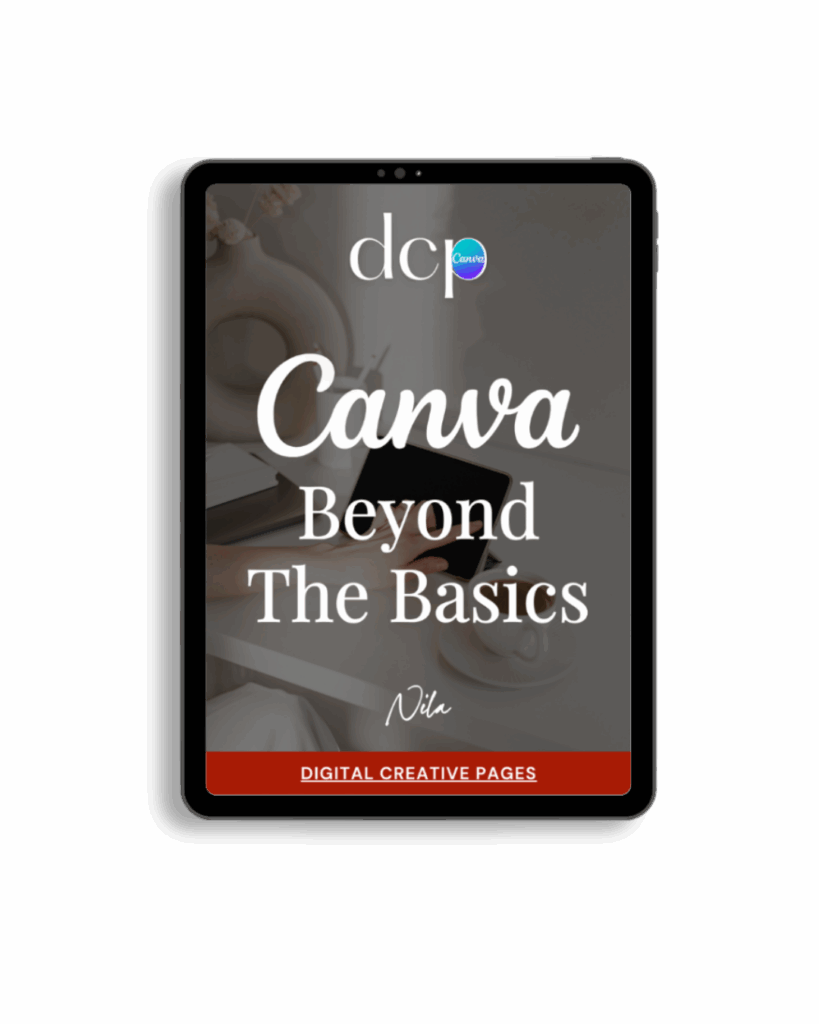
If you’re ready to move beyond basic designs and unlock Canva’s most powerful features, my book Canva – Beyond the Basics is for you.
Learn advanced workflows, time-saving hacks, and features like brand templates that busy entrepreneurs need to create professional content faster. It’s designed for anyone who wants to work smarter, not harder.
TEMPLATES FOR ENTREPRENEURS
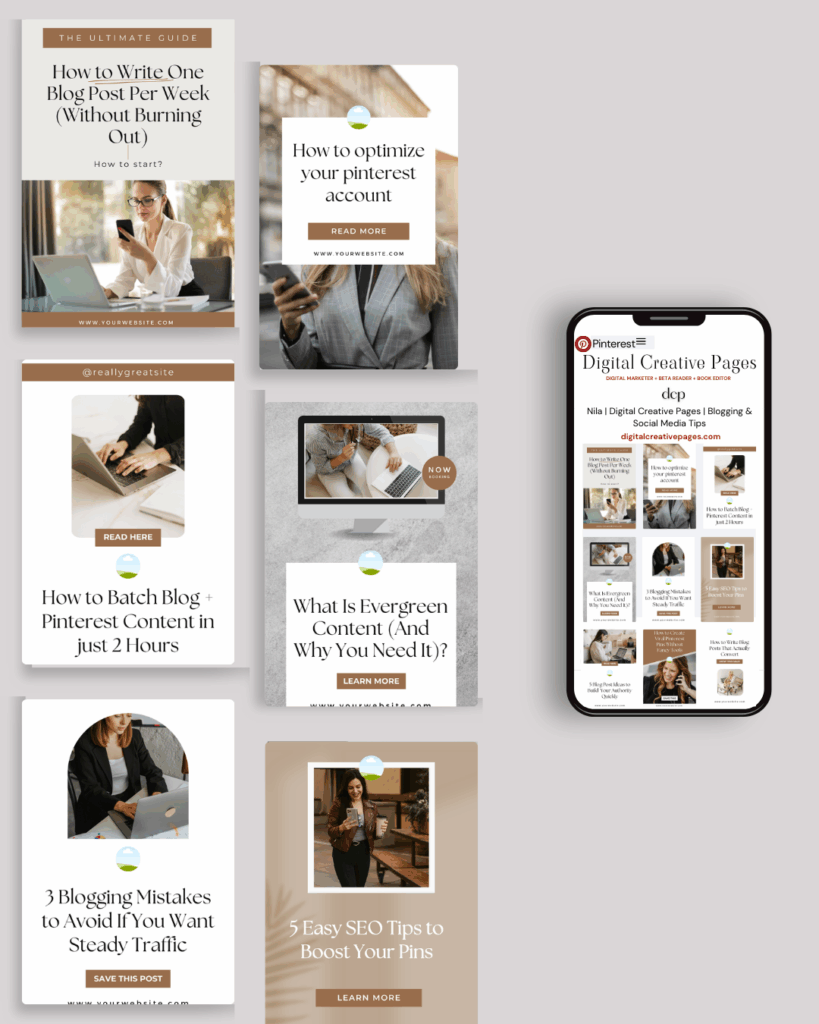
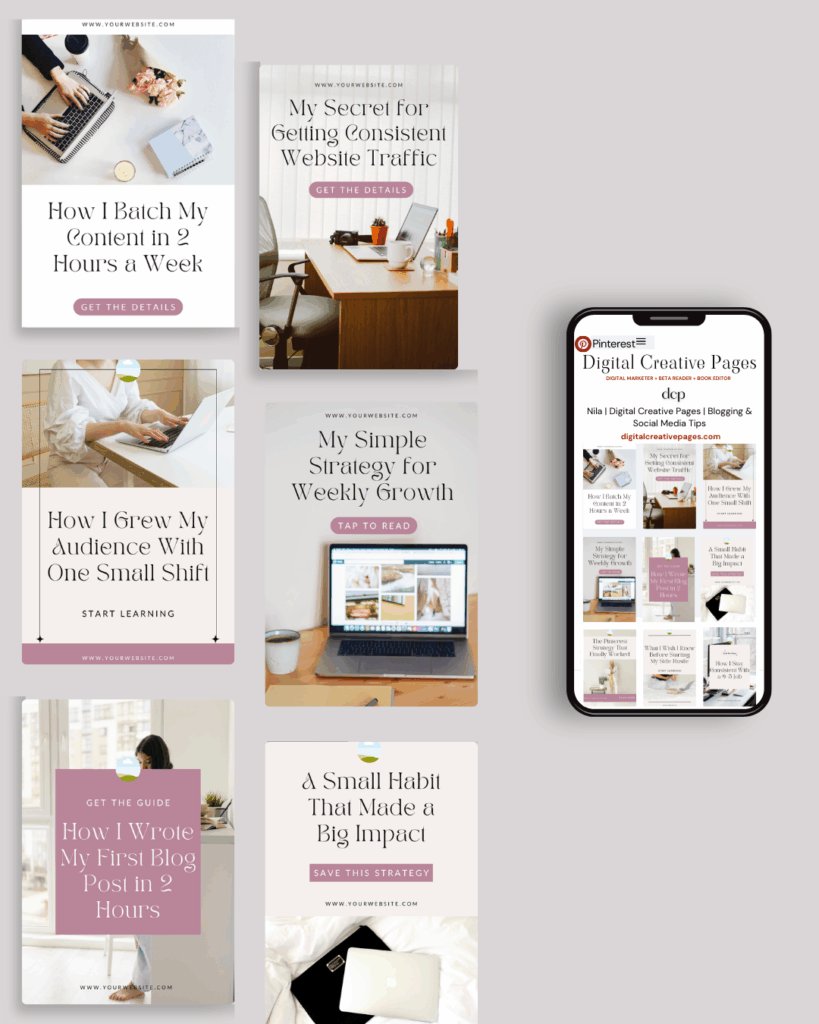
No time to design from scratch? My Pinterest Templates are created with strategy, structure, and your brand in mind.
Pick your style: Modern Minimalist | Soft Storytelling | Entrepreneur-Friendly Layouts
For the cost of a latte, get them here → DCP Shop → $5
MY TOP POSTS
- How to Create a Cohesive Instagram Aesthetic
- Sell Digital Products On Pinterest Now Without A Blog
- How To Design Best High Performing Pinterest Pins
My INTRODUCER post – check out why I chose Showit as my website builder here
Use my affiliate code DCP to get one 1.5 months free on Showit
Get all the resources for your online business growth and Pinterest marketing without breaking the bank from my DCP Shop here
By signing up for my freebies, you are agreeing that I can use your email address to market to you. You can unsubscribe from marketing emails at any time by using the link in my emails.
Previous post
next post
Search + Enter

meet nila

Hi. I am
Nila
Beta reader, book editor, Pinterest manager, Showit VA
I’m a beta reader and book editor and PA for authors, specializing in story clarity and developmental feedback. I run a sustainable online business that keeps working for me 24/7.
Along with this, I offer Pinterest management for overwhelmed creatives and entrepreneurs and set up and customize Showit templates when the tech side gets too overwhelming.

My Shop
Buy now
i need it

Free Stuff
get the goods
check it out

My Favorites
apps + Tools
Yes, please


