In the fast-paced world of social media marketing, having the right marketing tools at your disposal can make all the difference. Whether you’re a small business owner, a marketing professional, or a social media enthusiast, these tools will help you streamline your workflow, boost engagement, and maximize your social media impact. Let’s dive into the world of social media management tools and discover how they can transform your online presence.
Pin and Save This For Later
Free Social Media Management Tools
1. Buffer
Buffer is known for its user-friendly interface and powerful scheduling capabilities, making scheduling and publishing content a breeze. The free plan is perfect for individuals or small businesses just starting out.
Key features:
- Single user
- Connect 3 social accounts
- Schedule up to 10 posts per channel
- Basic analysis and publishing tools with AI Assistant
2. Canva
While not strictly a social media tool, Canva has become indispensable for creating eye-catching visuals that pop on social feeds. It is a graphic design platform that offers a wide range of templates for social media posts, stories, and more. Its drag-and-drop interface makes creating professional-looking visuals a breeze.
Key features:
- Access to thousands of templates
- Free stock photos and elements
- Collaborate with team members
3. Meta Business Suite
This native tool from Facebook allows you to manage your Facebook and Instagram content directly from one platform.
Key features:
- Schedule posts for Facebook and Instagram
- Insights and performance metrics
- Manage comments and messages
4. Unsplash And Pexels
Unsplash and Pexels offers a vast library of high-quality, royalty-free images that you can use for your social media content that are crucial for creating engaging social media content. Pexels goes one step ahead and provides free high-definition videos too.
Key features:
- Extensive collection of free stock photos
- Easy search functionality
- Attribution-free usage
5. Trello
While not specifically designed for social media, Trello’s visual board system is excellent for content planning and team collaboration. While not specifically designed for social media, it can be adapted for your posts. Trello’s flexibility allows you to create a customized workflow that suits your specific social media management needs.
Key features:
- Create boards for different social media campaigns
- Collaborate with team members
- Drag-and-drop interface for easy organization
6. Google Analytics
Google Analytics provides valuable insights into your website traffic, including social media referrals. Understanding the impact of your social media efforts on your website traffic is crucial. By connecting Google Analytics to your website, you can gain valuable insights into how your social media strategies are driving traffic and conversions.
Key features:
- Track social media traffic to your website
- Analyze user behavior
- Set up custom reports
7. Canva Color Palette Generator
This tool helps you create cohesive color schemes for your social media visuals.
Key features:
- Generate color palettes from images
- Export color codes
- Inspire your visual branding
8. Coolors
It is a super-fast color palette generator. In fact, for this website and blog, I used Coolors.co to get my brand colors.
Key features:
- Explore different color palettes
- Compare different shades within the color palette
- Find the trending color palettes
- Extract beautiful palettes from your photos
9. Google Trends
Google Trends helps you identify popular topics and search terms, which can transform your social media content strategy.
Key features:
- Explore trending topics of the country your followers are from
- Compare search term popularity
- Filter by region and time period
10. Google Keyword Planner
Ideally, Google Keyword Planner is a free tool that helps you find the relevant keywords for your Google ad campaign. But you can use this tool to get your keywords
Just add keywords in the place of products or services to advertise and you will get both short and long form keywords.

Want easy, practical content tips to grow your business? Join my weekly email list for Canva tricks, new social media updates, and simple strategies that actually work.
Paid Social Media Management Marketing Tools
Once you get into the groove of social media management and would like to take this business to the next level without the stress? Paid social media management tools can be a game-changer for growing your online presence. For managing accounts for clients and scaling your own business, these tools help automate, organize, and optimize your posts across platforms like Instagram, Facebook, and Pinterest. In this post, I’ll dive into a few paid tools that can save you time, improve engagement, and give you the data you need to crush your social media goals.
1. Sprout Social
Sprout Social is a comprehensive social media management platform offering advanced scheduling, analytics, and team collaboration features.
Key features:
- All-in-one social inbox
- Advanced scheduling and publishing tools
- Detailed analytics and reporting
Pricing: Starts at $199/month per user (billed annually)
2. Agorapulse
Agorapulse provides robust social media management capabilities, including content scheduling, monitoring, and reporting.
Key features:
- Centralized social media channels
- Advanced scheduling options
- Actionable reports
- Social listening for mentions of your brand
- Trend tracking
Pricing: Starts at $49/month (billed annually). You get 1 month free trial
3. Sendible
Sendible is designed for agencies and teams managing multiple client accounts, offering customizable dashboards and white-label reporting.
Key features:
- Multi-client management
- Content suggestions
- Custom, branded reporting
Pricing: Starts at $29/month
4. Hootsuite Pro
The paid version of Hootsuite offers more advanced features and supports larger teams.
Key features:
- Manage unlimited social profiles
- Advanced scheduling and bulk uploading
- Team collaboration tools
Pricing: Starts at $99/month
5. Buffer
Analyze Buffer’s analytics tool provides in-depth insights into your social media performance.
Key features:
- Detailed performance analytics
- Custom reports
- Stories analytics
Pricing: Starts at $6/month per channel
6. Tailwind
Tailwind is specialized for Pinterest and Instagram management, offering smart scheduling and analytics.
Key features:
- Smart scheduling
- Hashtag suggestions
- Performance tracking
Pricing: Starts at $14.99/month
7. Later
It is a social media management platform that will help you plan and publish content on multiple social media accounts.
Key features:
- Detailed analytics
- Media Library where you can upload and organize your posts
- Post scheduling
- Link in Bio where you can add links to their post to drive traffic to your products
Pricing: Starts at $49/month
9. Loomly
Loomly is a brand success platform that helps you create and schedule content within minutes seamlessly collaborate with your team and clients and easily track your success across multiple channels.
Key features:
- Post ideas and inspiration
- Automated publishing
- Post mockups and approval workflows
Pricing: Starts at $32/month (billed annually)
10. MeetEdgar
MeetEdgar is a simple, AI-powered, and easy-to-learn social media management tool that helps freelancers, entrepreneurs, small businesses, and social media teams create, schedule, publish, and automate content daily.
Key features:
- Content scheduling
- Automatic content recycling
- AI Content writer
- Suggested variation of pins
Pricing: Starts at $29.99/month
Get the FREE Digital Marketing Skills Checklist here
Conclusion
The world of social media management tools is vast and varied, offering solutions for every need and budget. Whether you’re just starting out and looking for free options, or you’re ready to invest in more advanced tools, there’s something on this list for you. Remember, the key is to choose tools that align with your specific goals and workflow. Experiment with different options, take advantage of free trials, and don’t be afraid to mix and match tools to create your perfect social media management stack. With the right tools at your fingertips, you’ll be well-equipped to take your social media presence to the next level and scale your business.
Loved This Post? Save It for Later!
And hey! If this post helped you, don’t forget to pin it to one of your boards so you can revisit it anytime. And more small business owners and creators can discover these helpful tips. Every save and share genuinely supports my work, and I’m grateful for it! Thank you!
WANT TO MASTER CANVA LIKE A PRO?
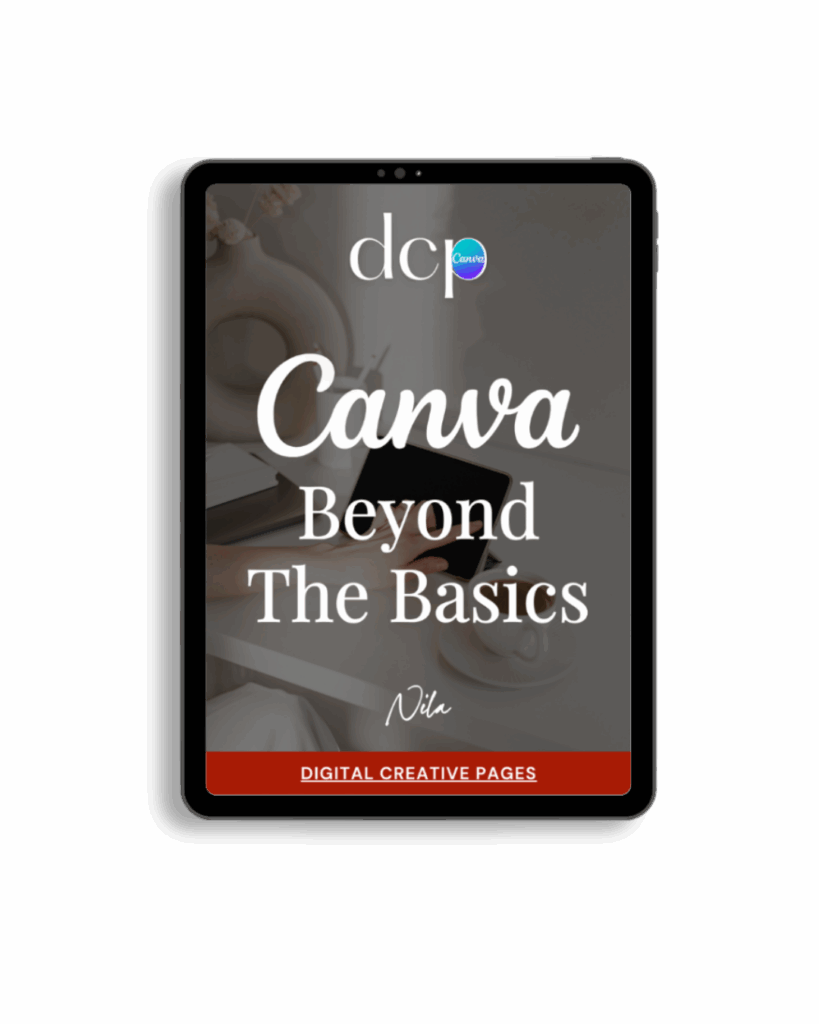
If you’re ready to move beyond basic designs and unlock Canva’s most powerful features, my book Canva – Beyond the Basics is for you.
Learn advanced workflows, time-saving hacks, and features like brand templates that busy entrepreneurs need to create professional content faster. It’s designed for anyone who wants to work smarter, not harder.
TEMPLATES FOR ENTREPRENEURS
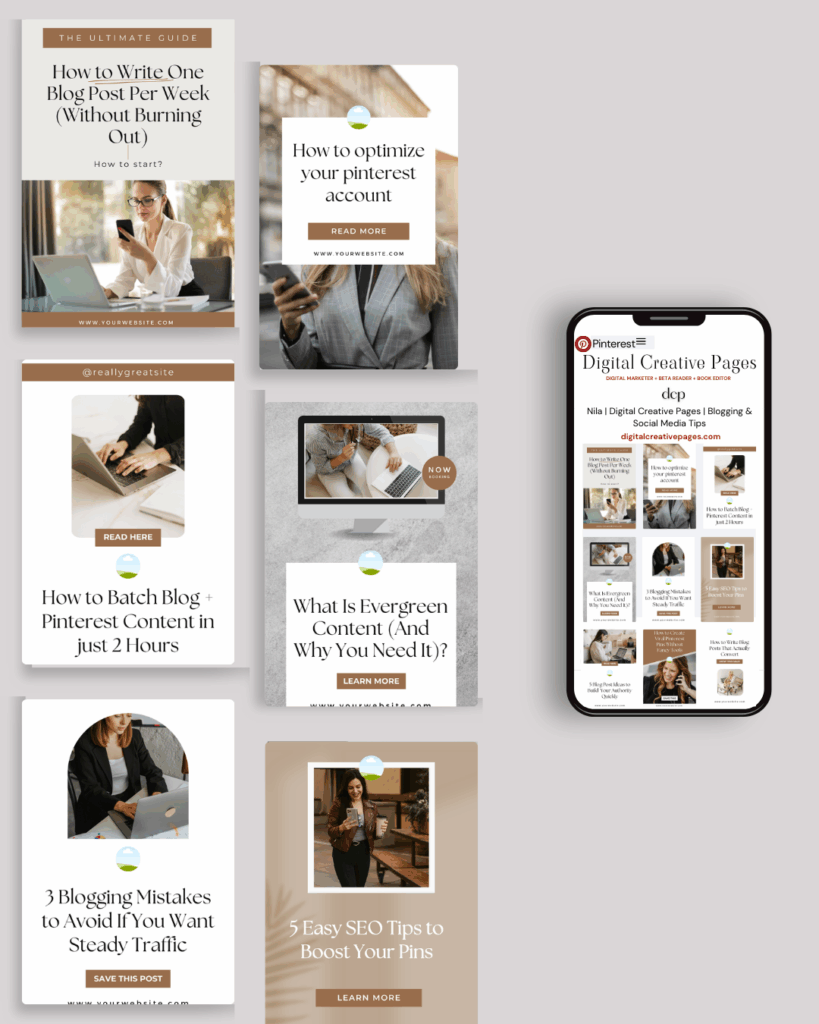
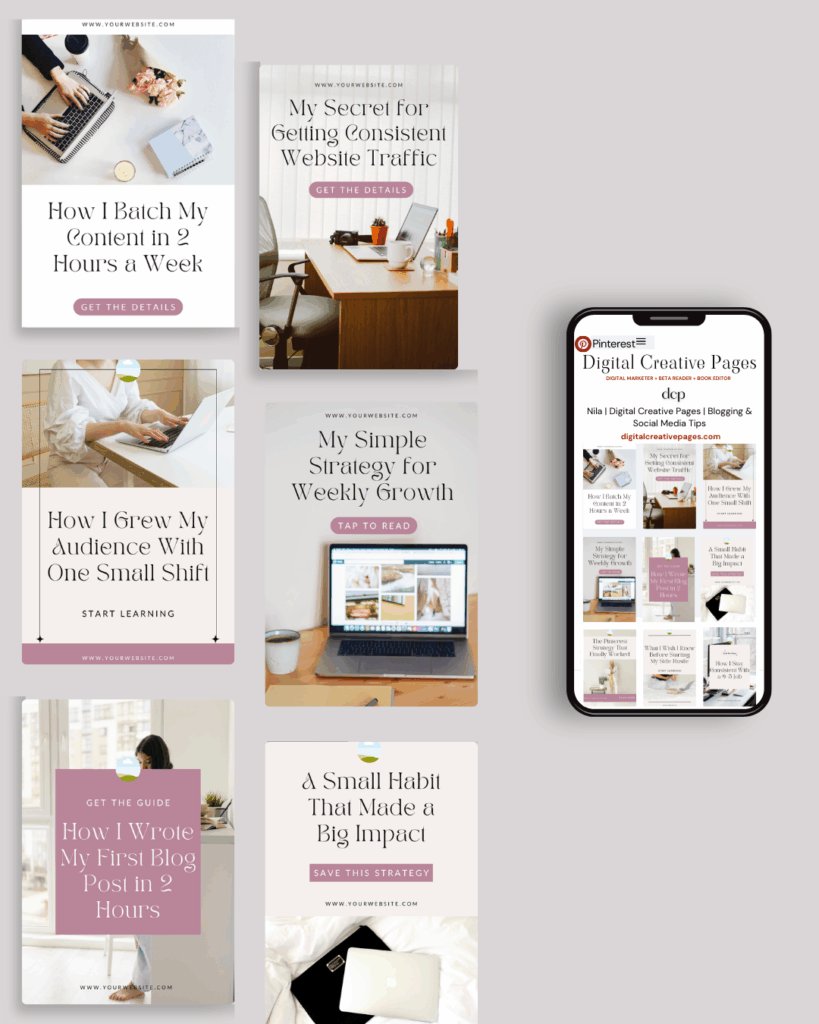
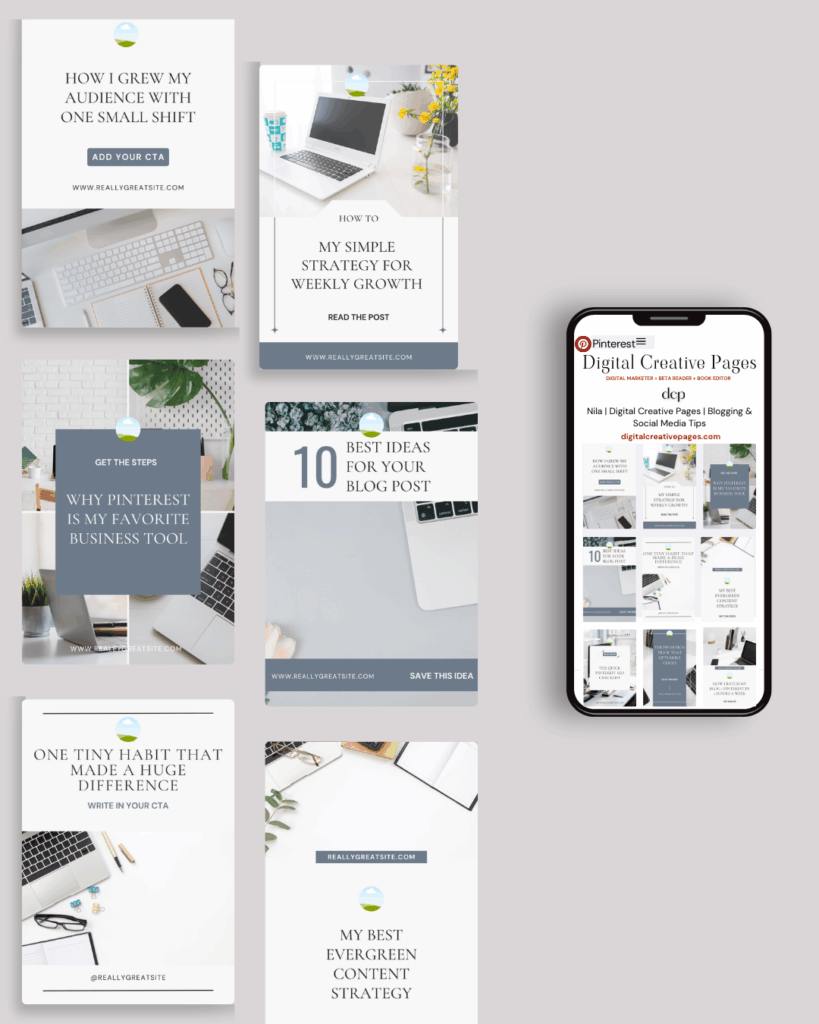
No time to design from scratch? My Pinterest Templates are created with strategy, structure, and your brand in mind.
Pick your style: Modern Minimalist | Soft Storytelling | Entrepreneur-Friendly Layouts
For the cost of a latte, get them here → DCP Shop → $5
MY TOP POSTS
My INTRODUCER post – check out why I chose Showit as my website builder here
Use my affiliate code DCP to get one 1.5 months free on Showit
Get all the resources for your online business growth and Pinterest marketing without breaking the bank from my DCP Shop here
By signing up for my freebies, you are agreeing that I can use your email address to market to you. You can unsubscribe from marketing emails at any time by using the link in my emails.
Previous post
next post
Search + Enter

meet nila

Hi. I am
Nila
Beta reader, book editor, Pinterest manager, Showit VA
I’m a beta reader and book editor and PA for authors, specializing in story clarity and developmental feedback. I run a sustainable online business that keeps working for me 24/7.
Along with this, I offer Pinterest management for overwhelmed creatives and entrepreneurs and set up and customize Showit templates when the tech side gets too overwhelming.

My Shop
Buy now
i need it

Free Stuff
get the goods
check it out

My Favorites
apps + Tools
Yes, please


