Introduction
Hey there. If you’re building a website on Showit and want to attract clients for your services, learning how to design the best high-converting service page is critical. Your service page isn’t just a list of what you offer; it’s your chance to show potential clients why you’re the best fit for their needs. A strategic, well-designed service page can turn casual visitors into paying clients. Let’s break down the process step by step so you can craft service pages that work for you, not against you.
Pin this for later
Step 1: Nail Your Headline with Clarity and Appeal
Your headline is the first thing visitors see when they land on your service page. It should grab attention and immediately let the visitor know they’re in the right place. Skip the jargon and use language that speaks directly to your audience’s needs.
- Make your headline specific. Instead of “Social Media Services,” say “Grow Your Business with Tailored Social Media Strategies.”
- Highlight the outcome or transformation clients can expect.
- Avoid overloading the headline with details; keep it short and snappy.
Pro Tip: Use tools like MonsterInsights Headline Analyzer to refine your headline for maximum impact.
You may also like – How To Build A Blog With Showit To Make Money
Step 2: Write an Engaging Introduction
Your introduction should connect with your audience on an emotional level. This is your chance to show empathy and understanding for their struggles or desires. Think of this section as a warm welcome that makes the reader feel seen and understood.
- Identify their pain points. For example, “Are you overwhelmed by managing your business’s social media accounts?”
- Share how your services solve their problem.
- Use conversational language to create a personal connection.
Pro Tip: Use the “problem-agitate-solution” framework to structure your introduction and hook your audience.
Want easy, practical content tips to grow your business? Join my weekly email list for Canva tricks, new social media updates, and simple strategies that actually work.
Step 3: Showcase Your Services with Clear Descriptions
Each service should have its own dedicated section or subsection. Use clear, descriptive language that outlines exactly what you offer and how it benefits the client. Avoid vague phrases like “I’ll help you with marketing”—be specific about deliverables.
- Break each service down into bite-sized chunks of information.
- Use subheadings to make the page scannable.
- Include measurable outcomes where possible (For example, “Increase your website traffic by 25% within three months”).
Pro Tip: Add client testimonials or case studies below each service description to build trust.
Step 4: Incorporate Visual Elements
Showit is known for its design flexibility, so use that to your advantage. Visuals can help you convey information more effectively and keep visitors engaged.
- Include icons or graphics for each service to make the page visually appealing.
- Use images of yourself or your team to build a personal connection.
- Ensure all visuals are high-quality and aligned with your brand’s aesthetic.
Pro Tip: Use Canva to create custom icons that match your brand colors.
Related Page – Design a High-Converting Showit Homepage To Get Clients
Step 5: Add Pricing Details (or Not)
The decision to include pricing on your service page depends on your business model and audience. If you choose to display prices, do so transparently and provide context for the value clients will receive.
- Break down pricing into packages, if applicable.
- Highlight what’s included in each package to justify the cost.
- If you’re not listing prices, include a call-to-action (CTA) that invites visitors to contact you for a quote.
Pro Tip: Use phrases like “Starting at” to give potential clients a baseline idea without overwhelming them.
Step 6: Optimize for SEO
Search engine optimization (SEO) is crucial for getting your service page in front of potential clients. Use long-tail keywords naturally throughout your content to improve your rankings.
- Include keywords in your headline, subheadings, and meta descriptions.
- Use variations of your primary keyword, such as “Showit website design services” or “creating high-converting service pages on Showit.”
- Optimize images by adding descriptive alt text.
Pro Tip: Use a tool like Yoast or Rank Math to check your on-page SEO.
Save this on your boards
Step 7: Create a Strong Call-to-Action
A high-converting service page should have a clear next step for visitors. Your call-to-action (CTA) should be compelling and easy to follow.
- Use action-oriented language like “Book a Free Consultation” or “Get Started Today.”
- Make your CTA buttons stand out with contrasting colors.
- Place CTAs strategically throughout the page (e.g., after each service description).
Pro Tip: Test different CTA phrases to see which drives the most conversions.
Step 8: Build Trust with Social Proof
Potential clients are more likely to trust you if they see that others have had positive experiences with your services. Include elements that showcase your credibility and expertise.
- Add client testimonials with photos or videos for authenticity.
- Include logos of brands you’ve worked with.
- Mention awards, certifications, or years of experience.
Pro Tip: Use a slider or carousel format to display multiple testimonials without cluttering the page.
Related Page – Customize Your Showit Template To Get Results
Step 9: Ensure Mobile Responsiveness
Many visitors will view your service page on their phones, so it’s essential to ensure it looks and functions perfectly on mobile devices.
- Test your page on multiple devices and screen sizes.
- Use Showit’s mobile editor to tweak the design for smaller screens.
- Keep text and buttons large enough to tap easily.
Pro Tip: Use tools like Google’s Mobile-Friendly Test to identify any issues.
Step 10: Test and Iterate
Once your service page is live, don’t stop there. Regularly review and update it to ensure it’s performing at its best.
- Use analytics tools to track metrics like bounce rate and conversion rate.
- Experiment with different layouts, copy, or visuals to see what resonates most with your audience.
- Gather feedback from clients to identify areas for improvement.
Pro Tip: Use A/B testing tools to compare different versions of your page and refine your strategy.
You may also like – 10 Signs You Urgently Need A New Website
Step 11: Leverage FAQ Sections to Address Objections
An FAQ section can help potential clients make informed decisions while addressing their hesitations. It’s a strategic way to answer common questions and remove barriers to conversion.
- Include questions like “How does the process work?” or “What happens after I book a service?”
- Use clear and concise answers to reassure visitors.
- Address potential objections, such as timelines, deliverables, or what sets you apart from competitors.
- Organize the FAQ section using an accordion layout to keep it tidy.
- Update your FAQs regularly based on client inquiries and feedback.
Pro Tip: Use keywords in your FAQ responses to further optimize your page for search engines.
Step 12: Add an “About You” Section to Humanize Your Brand
Including a short “About You” section on your service page adds a personal touch and builds trust with potential clients. It allows visitors to connect with you on a deeper level, which can be a deciding factor for them to choose your services.
- Share a brief overview of your experience and expertise.
- Highlight your passion for helping clients achieve their goals.
- Include a photo of yourself or your team to make it personable.
- Keep the tone authentic and conversational to create a genuine connection.
- Tie your story back to the services you offer, showing how your skills directly benefit clients.
Pro Tip: Link to a full “About” page for visitors who want to learn more about you and your journey.
By adding these two steps, your blog post will be more comprehensive, offering even more value to your readers!
Wrapping It Up
By following these steps, you’ll be well on your way to creating high-converting service pages on Showit. Remember, your service page is more than just a checklist of what you offer—it’s an opportunity to connect with your audience, address their needs, and inspire them to take action. Put yourself in your client’s shoes, keep testing and improving, and watch your business grow!
Check out my Services Page
Loved This Post? Save It for Later!
And hey—if this post helped you, don’t forget to pin it to one of your boards so you can revisit it anytime. And more small business owners and creators can discover these helpful tips. Every save and share genuinely supports my work, and I’m grateful for it! Thank you!

TEMPLATES FOR ENTREPRENEURS
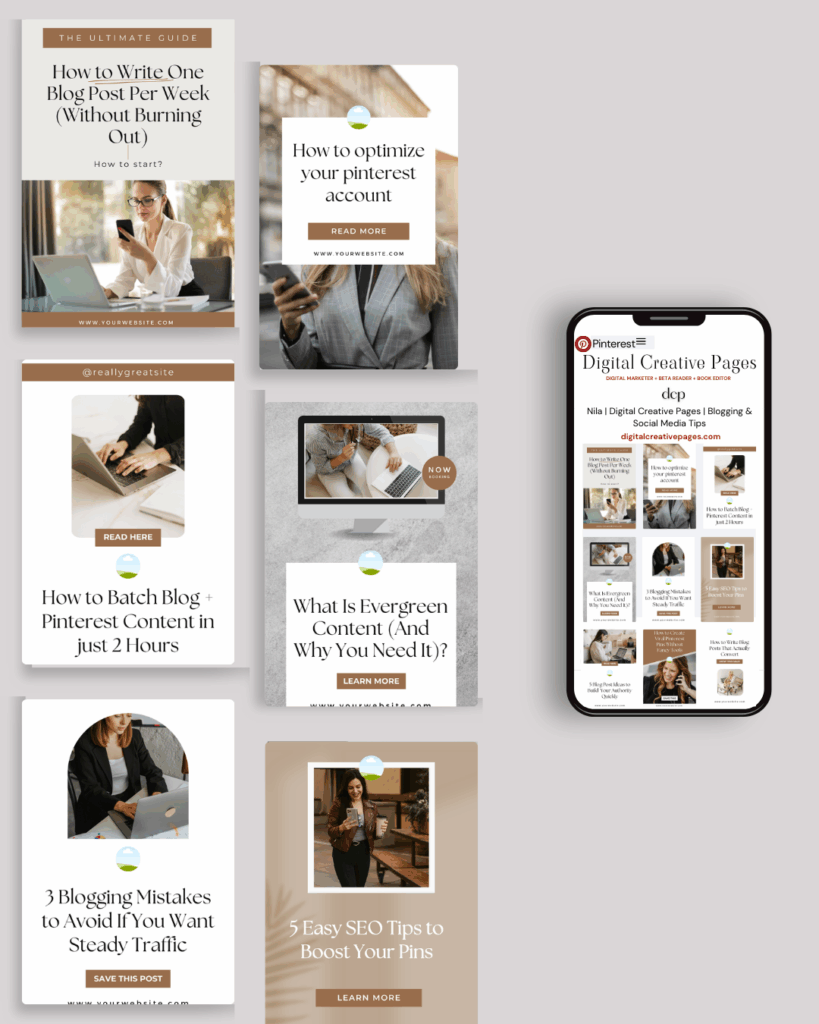
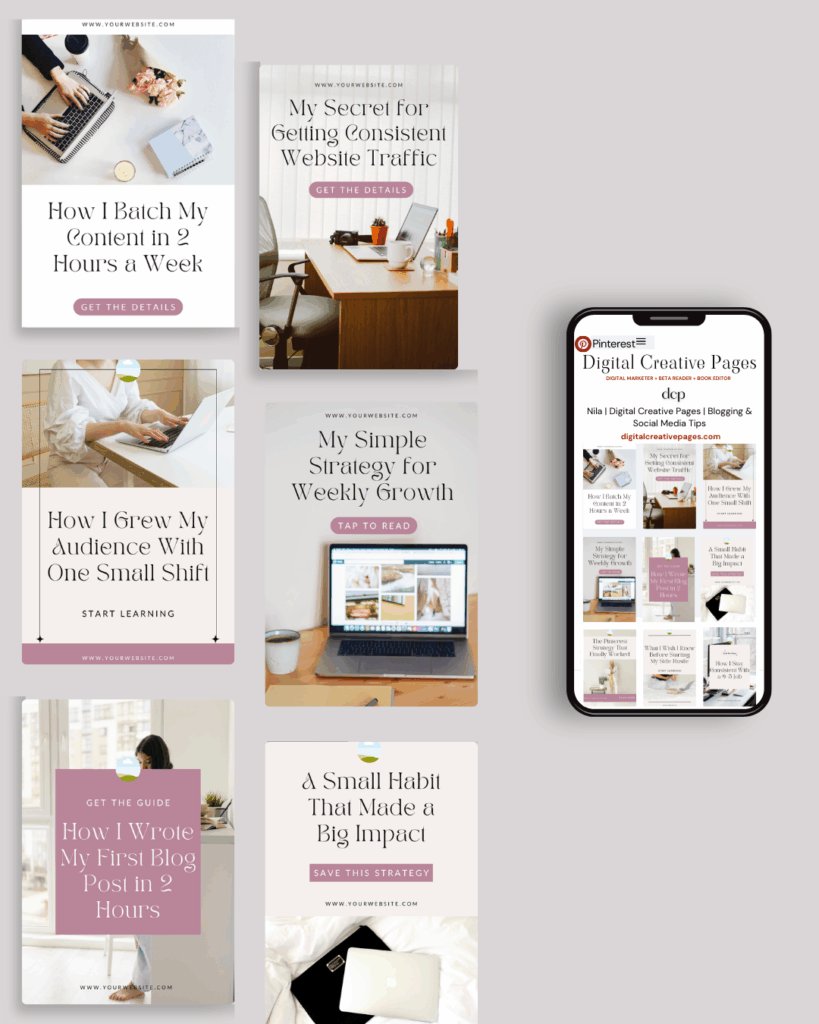
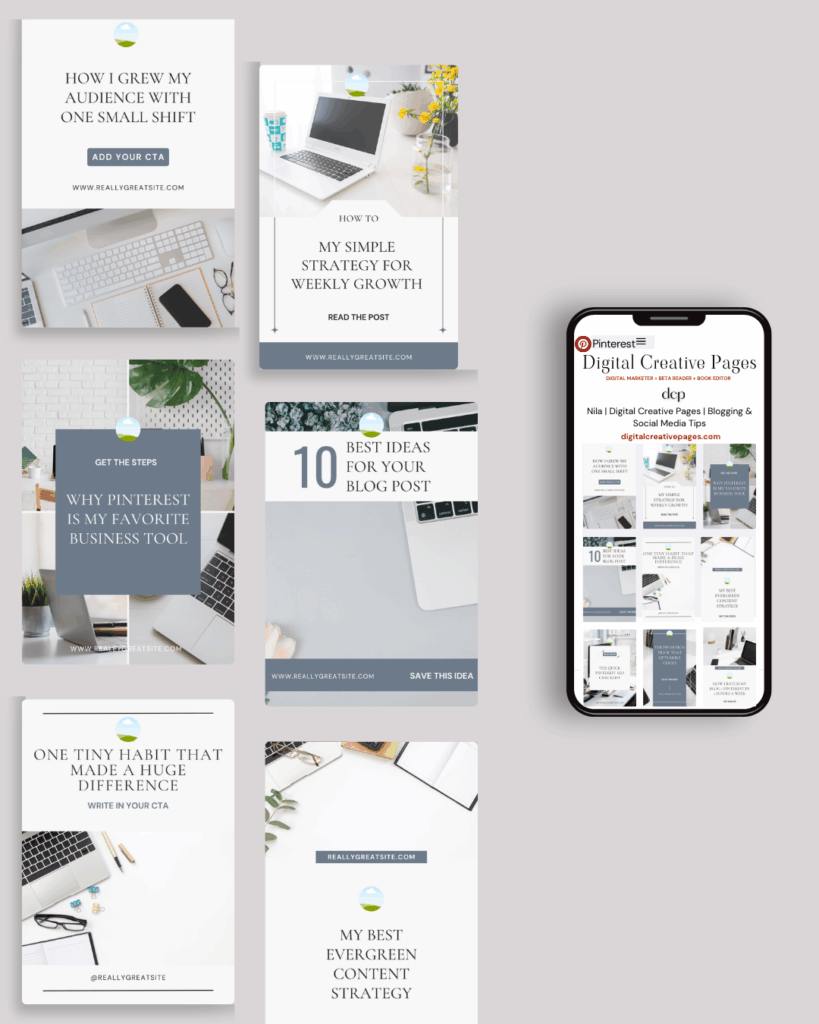
No time to design from scratch? My Pinterest Templates are created with strategy, structure, and your brand in mind.
Pick your style: Modern Minimalist | Soft Storytelling | Entrepreneur-Friendly Layouts
Get them here → DCP Shop
MY TOP POSTS
My INTRODUCER post – check out why I chose Showit as my website builder here
Use my code DCP to get one 1.5 months free on Showit
Get all the resources for your social media and digital marketing without breaking the bank from my DCP Shop here
By signing up for my freebies, you are agreeing that I can use your email address to market to you. You can unsubscribe from marketing emails at any time by using the link in my emails.
Previous post
next post
Search + Enter

meet nila

Hi. I am
Nila
Beta reader, book editor, Pinterest manager, Showit VA
I’m a beta reader and book editor and PA for authors, specializing in story clarity and developmental feedback. I run a sustainable online business that keeps working for me 24/7.
Along with this, I offer Pinterest management for overwhelmed creatives and entrepreneurs and set up and customize Showit templates when the tech side gets too overwhelming.

My Shop
Buy now
i need it

Free Stuff
get the goods
check it out

My Favorites
apps + Tools
Yes, please


