Introduction
Hey there. If you’re dreaming of creating a blog that looks stunning, works seamlessly, and starts making you money quickly, Showit might just be your secret weapon. Unlike other platforms, Showit gives you complete creative control while integrating powerful tools for blogging and monetization. This blog post will walk you through how to build a blog with Showit effectively that doesn’t just sit pretty but also makes money fast.
Save this pin
Why Showit is Perfect for Blogging
Showit isn’t just another website builder, but it’s a platform designed for creative control and flexibility. Whether you’re a seasoned blogger or starting fresh, Showit offers unique advantages that make it stand out.
Here’s what sets Showit apart for bloggers:
- Unmatched Design Flexibility: With its drag-and-drop interface, you can create a visually stunning blog that truly represents your brand.
- Seamless WordPress Integration: Pair Showit’s design capabilities with WordPress’s powerful blogging tools.
- Mobile-First Customization: Unlike many platforms, Showit lets you create separate designs for mobile and desktop views.
- User-Friendly Interface: No coding knowledge is required, allowing you to focus on content and creativity.
- Effortless Updates: Modify your design or content anytime without hassle, keeping your blog fresh and engaging.
Pro Tip: If you’re new to blogging, start with a Showit template that aligns with your niche. You can customize it later as your blog evolves.
You may also like – How To Design The Best High-Converting Showit Service Page
Want easy, practical content tips to grow your business? Join my weekly email list for Canva tricks, new social media updates, and simple strategies that actually work.
Why Showit’s Blog System is Different
Unlike other platforms where you’re wrestling with technical setup, Showit’s customer service actually sets up your entire blog for you. When I started out, I didn’t have to worry about hosting, WordPress installation, or complex integrations—Showit handled all of that and more. I just had to set up the template and design it as per my wishes and voila. My website and blog were ready.
For full disclosure: I bought a template that gave me the base to set up my own design. I kept certain sections and changed other pages using canvas from different free and paid templates.
Here’s what makes Showit’s blog system unique:
1. Automatic Template Integration
Showit pulls your blog posts directly into your custom-designed templates. You write the content on WordPress, and Showit automatically formats it within your design. This seamless integration means you never have to worry about how your content will look. It’s automatically styled according to your template design.
2. Canvas-Based Monetization
Every blog post becomes an opportunity to showcase affiliate products, your shop, and services through strategically placed canvases. This is where the real magic happens for making money with every piece of content you create.
3. Customer Service Setup
Their team handles the technical WordPress backend setup, so you can focus entirely on design and content. This white-glove service eliminates the technical learning curve that stops many bloggers from getting started.
4. Template Customization:
All you need to do on the Showit side is to customize the elements you want to change within your template pages. There is a blog page template on Showit that you can design which already has a placeholder for your blog post that you will write on WordPress. This placeholder automatically pulls in whatever you publish, maintaining your design consistency across all posts.
Related Post – Customize Your Showit Template To Get Results
How I Set Up My Showit Blog (The Real Process)
When I started with Showit, here’s exactly what happened:
- Showit Customer Service Did the Heavy Lifting: They set up my entire blog backend, including the WordPress integration. I didn’t touch any technical settings—everything was ready to go.
- Template Customization: On the Showit side, I simply changed the different elements I wanted to add within the page template, including colors and fonts. The blog posts automatically populate into this design. To note, the main blog content usually remains constant other than the Gutenberg blocks that WordPress allows you to add.
- Canvas Strategy: I created specific canvases for:
- Affiliate marketing products related to each post topic
- My shop items that complement the blog content
- Services I offer that solve the problems discussed in posts
- Design Flexibility: I also made my sidebar, which my template didn’t originally have, by pulling one from the free templates that Showit offers. That gave me added advantage—Showit is incredibly flexible in design, letting you mix and match elements from different templates.
- Plugin Management Made Simple: There are 8 plugins included in the Showit + WordPress starter plan. I only activated Yoast and Kit, keeping things streamlined. The image compression (when file sizes are automatically decreased) and CleanTalk to clean the cache happen automatically—no manual work required.
- Strategic Opt-in Placement: I not only added opt-ins using Kit plugins on my blog posts, but I also placed a couple more on the main Showit pages, creating multiple touchpoints for building my email list.
- Preview and Perfect: Whenever I drafted a blog post, I used the preview button frequently to check how it looked on the Showit side. This helped me customize the spacing between lines and adjust H2 and H3 formatting to ensure everything looked perfect in my template.
Save this pin on your boards
The Canvas Monetization System
This is where Showit really shines for making money, but it’s important to understand how it actually works. The blog page template on the Showit side remains constant—you can’t change individual blog posts to have different canvases.
How the System Actually Works:
I designed my blog page template once with strategically placed canvases for monetization. Every blog post I publish automatically uses this same template design, which means every post includes the same monetization elements.
The Fixed Canvas Approach:
- Affiliate Marketing Canvas: I have a dedicated canvas area in my blog template that showcases affiliate products. This appears on every blog post, providing consistent monetization opportunities.
- Shop Canvas: My template includes a canvas highlighting my products and services. Since it’s part of the template, every reader sees my offerings regardless of which post they’re reading.
- Services Canvas: I built service promotion directly into the blog template design, ensuring every post functions as a potential lead generator.
Plugin Limitations:
The starter plan doesn’t allow many plugins, so to really customize your blog posts and turn them into effective funnels, you need to upgrade your plan. This gives you access to more plugins that can help with advanced monetization strategies.
The Reality:
While you can’t make every new post look different by adding different canvases, the beauty is in the consistency. Your monetization strategy is baked into your template design, so every piece of content you create automatically becomes part of your sales funnel without any additional work per post.
Creating Content That Converts with Showit
With Showit’s system, your content strategy becomes more focused:
Write Problem-Solving Posts: Create content that addresses specific pain points related to your niche, then use your canvases to offer solutions through affiliate products or your own products or services.
Think in Templates: Since your posts automatically populate into your Showit template, design your content structure to work seamlessly with your canvas placements.
Strategic Affiliate Integration: Instead of randomly placing affiliate links, use your affiliate canvas to create dedicated recommendation sections that feel natural within your template design.
You may also like – Design a High-Converting Showit Homepage To Get Clients
The Showit Advantage for Fast Monetization
What I love about Showit’s approach is how it removes the technical barriers that slow down other bloggers:
- No Technical Setup: Customer service handles everything, so you can start creating immediately
- Automatic Formatting: Your content automatically looks professional within your template
- Built-in Monetization: Your affiliate and shop canvases are part of every post from day one
- Mobile Optimization: Your monetization elements automatically work on mobile without extra effort
My Results and Takeaways
The combination of Showit’s automated blog post integration and strategic canvas placement created a system where each post serves multiple purposes—informing readers while generating sales opportunities. Because the technical setup was handled for me, I could focus entirely on creating content and optimizing my monetization canvases.
The key insight: Showit’s template system means you design your monetization strategy once, and it applies to every blog post automatically. This is fundamentally different from other platforms where you’re manually adding sales elements to each individual post.
Getting Started with Showit’s Blog System
If you’re ready to build a blog with Showit that makes money:
- Let Customer Service Handle Setup: Don’t try to do the technical work yourself—that’s what their service includes
- Focus on Template Design: Spend your time customizing your blog template with strategic canvas placement
- Plan Your Canvas Strategy: Before writing your first post, design canvases for affiliate products, your shop, and services
- Create Content: Write posts knowing that your monetization elements will automatically be included
The beauty of Showit’s system is its simplicity: you create, they handle the tech, and your monetization works automatically. Start building your profitable blog today and watch your efforts pay off!
Loved This Post? Save It for Later!
And hey—if this post helped you, don’t forget to pin it to one of your boards so you can revisit it anytime. And more small business owners and creators can discover these helpful tips. Every save and share genuinely supports my work, and I’m grateful for it! Thank you!
Want easy, practical content tips to grow your business? Join my weekly email list for Canva tricks, new social media updates, and simple strategies that actually work.
TEMPLATES FOR ENTREPRENEURS
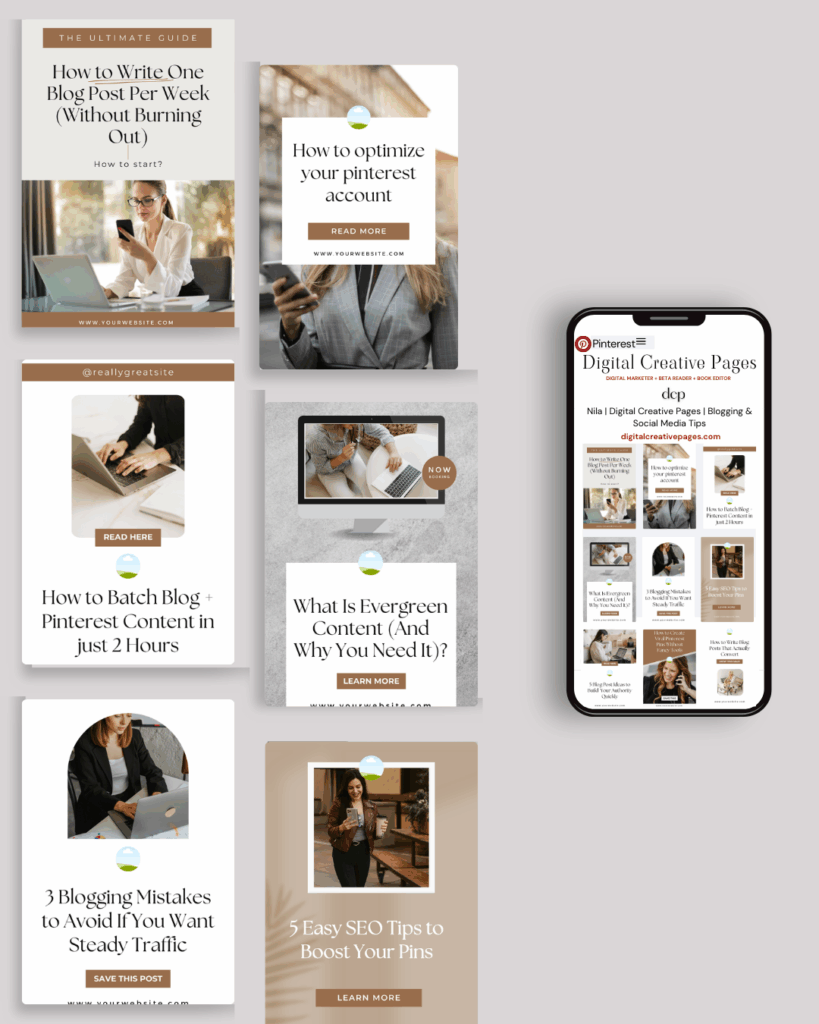
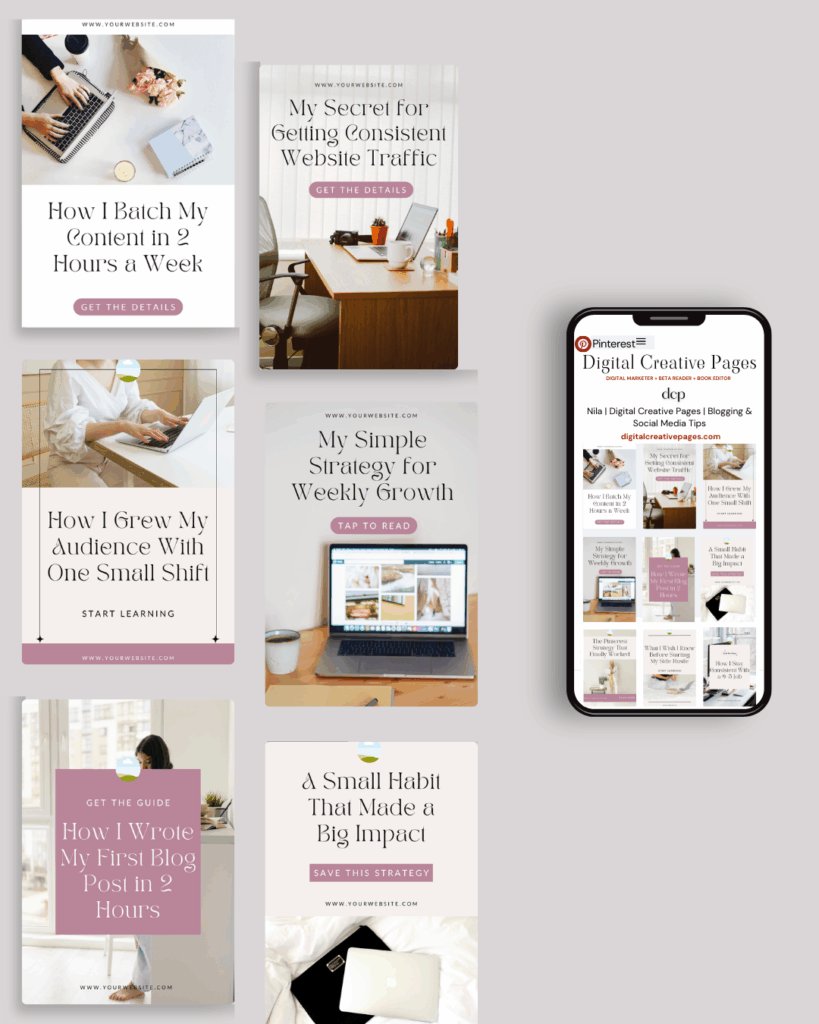
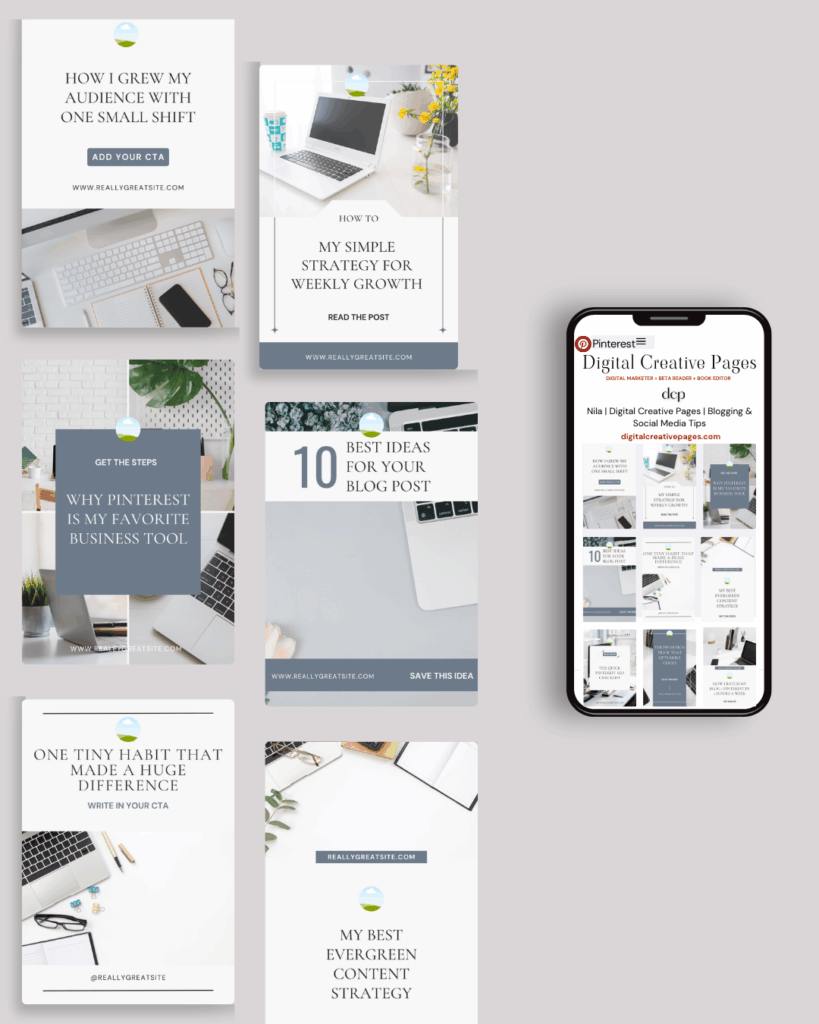
No time to design from scratch? My Pinterest Templates are created with strategy, structure, and your brand in mind.
Pick your style: Modern Minimalist | Soft Storytelling | Entrepreneur-Friendly Layouts
Get them here → DCP Shop
MY TOP POSTS
My INTRODUCER post – check out why I chose Showit as my website builder here
Use my code DCP to get one 1.5 months free on Showit
Get all the resources for your social media and digital marketing without breaking the bank from my DCP Shop here
By signing up for my freebies, you are agreeing that I can use your email address to market to you. You can unsubscribe from marketing emails at any time by using the link in my emails.
Previous post
next post
Search + Enter

meet nila

Hi. I am
Nila
Beta reader, book editor, Pinterest manager, Showit VA
I’m a beta reader and book editor and PA for authors, specializing in story clarity and developmental feedback. I run a sustainable online business that keeps working for me 24/7.
Along with this, I offer Pinterest management for overwhelmed creatives and entrepreneurs and set up and customize Showit templates when the tech side gets too overwhelming.

My Shop
Buy now
i need it

Free Stuff
get the goods
check it out

My Favorites
apps + Tools
Yes, please


