Introduction
Hey guys. Another day and a new blog post on how these 3 hack make Pinterest Marketing strategy easy. This one is super important for your Pinterest marketing.
Do you know what we usually do after posting a pin? We rush to the analytics to check the impressions and outbound clicks. And the most disappointing thing is that sometimes we do get the impressions but no clicks.
And then your brain goes, what’s the point of all this? I’m not saying we are supposed to post 15 to 20 pins every day, but being strategic in your Pinterest content will get you more engagement. Don’t work harder, work smarter. Though simple to say, there’s a way of going about it. I’m hoping these three simple steps help you get more outbound clicks and, with that, more traffic to your blog or your shop.
Click & Save this pic on Pinterest
Pinterest is not social media
You have to remember that Pinterest is not like Instagram where you post and get instant engagement. Patience is the keyword here, but you can be strategic at the same time. First, you catch the eye of your target audience with your brand logo and website. Then come pins that give them valuable information directly on the pin, which leads to saves. Then come the pins that direct them to your blog post, which leads to outbound clicks and more traffic to your website or shop.
Think of your pins like a journey. First, you get them to notice you. Then you get them hooked on your content. Then you direct them outside so you get the sales. Pins that flow through these three stages get the most engagement. And with this kind of content flow, the Pinterest algorithm gets triggered, so even pins that don’t exactly match what your audience typed in still show up on their feed. Which means more potential clicks.
You can get the ideas from your Pinterest analytics and build your strategy around them. Remember, each pin has a different purpose in this formula, and obsessing over just one metric is not a good strategy. It is better to take your audience through the journey so they begin to trust you.
Want easy, practical content tips to grow your business? Join my weekly email list for Canva tricks, new social media updates, and simple strategies that actually work.
Three Types of Pinterest Content
And no, I’m not talking about the formats like photos, videos, or carousels. I mean the actual substance of the pin and the goal behind it.
1. Brand Awareness Pins
These are the pins where your audience gets to discover you. You would get moderate engagement on them. They could be seasonal content or content that comes up in people’s lives once in a while.
For example, dresses for a bride. Your audience would notice such pins but may not click on them. But if you put your logo and website on these pins, your brand stays on their minds for when they do need you.
2. Save-Worthy Pins
Here’s where things get interesting. These pins have content that causes people to save them, either for right now, like that bride looking for dresses, or for later when the moment arrives.
For the Pinterest algorithm, saves mean the audience trusts your content and wants to see more of it. Remember, the longer people stay on the platform, the more eyes Pinterest gets on its ads. So saves are actually Pinterest gold. These pins help your audience plan for the present moment or for some time in the future.
Saves are the best way to trigger the Pinterest algorithm so that the next time they open Pinterest, the platform shows them more of your content. Their saves are basically telling the algorithm that your content matters to them. Even if your other pins are not directly related to what they searched for, they still have a good chance of showing up on their feed.
3. Click-Through Pins
This is the most important content type because these are the pins that lead to a lot of outbound clicks. If you are in affiliate marketing, this helps you make money. If you are selling a product, these are the pins that drive traffic to your shop. The bottom line is getting the most clicks. Pinterest starts showing this content to more of your target audience when it performs well.
Sometimes a pin shows up across all three content types. It gets the most impressions, the most saves, and the most outbound clicks. You can spot these in your analytics, and those are your winners. Make similar pins every week so that your engagement keeps increasing.
If your audience loves a certain kind of pin, keep making them. And that brings us to the next important part of the strategy.
PIN TEMPLATE CLUB
Creating consistent Pinterest graphics shouldn’t eat up your entire afternoon. That’s why I created the Pinterest Template Membership, where 15 trending, ready-to-customize templates are delivered to your inbox every month for just $9.
No more design paralysis. No more wondering what’s working on Pinterest right now. I research the trends, you get the templates.
Join the membership for $9/month → HERE
🎁 Want 6 Free Pinterest Templates?
Not sure if templates are for you? Grab 6 of my trending Pinterest designs (fully editable in Canva) and test them out. Completely free.
How to Read Your Pinterest Analytics
- Pins with high impressions
- Pins with high impressions and high pin clicks
- Pins with high saves
- Ratio of pin clicks to saves
- Ratio of pin clicks to outbound links
All of this data lives in your Pinterest analytics. Compare these reports together to see which pins are serving all three content goals. They then show you patterns in your topics, designs, keywords, and boards that get the most clicks.
Look at these first:
- Impressions — these pins are getting pushed into the feed
- Saves — these pins are causing people to save them to their boards
- Outbound links — these pins are getting people to click through to your website
Once you have this data, all you need to do is turn it into your strategy. In your analytics for the current month, screenshot the pins that got the most saves or outbound clicks. It means they were saved and clicked the previous month.
So every month, your analytics are actually reflecting what your audience did the month before. Using this information, you can start to predict what’s performing now and know what’s going to bring more traffic to your website or shop later.
Pin this on your boards
Need Pinterest keywords that actually work?
Stop guessing. I’ll research 12 SEO keywords for your niche – the words/phrases people are searching for on Pinterest right now.
You fill out a quick form (niche, content type, blog posts), I do the research, and you get a keyword list in 4 business days. Use them in your pins, titles, and descriptions.
$9. Simple.
Request your keywords → HERE
Amplify What’s Already Working
When you find a pin that’s getting the most saves and outbound clicks, make more pins on the same topic with the same keywords. Create a new board with a similar group of pins. Turn the pin design into a brand template you can reuse. Use the same keywords on other similar pins.
For example, if you find a pin that got the most saves and outbound clicks for lace pattern dresses and you don’t have a board for it, make one.
Use what’s working to make it work more, rather than chasing brand new ideas that will take months to pick up traction. You can absolutely test new content with your fresh pins, but make sure that the pins that have already worked are showing up regularly in your pinning routine.
In Summary
Once you’ve laid out the path for your audience to follow and you start seeing good numbers of saves and outbound clicks, double down. Make similar pins to amplify your reach. This leads to a better optimization of your Pinterest marketing strategy.
Forget the old habit of repinning the same pin to every board. It is about having optimized content that earns saves and clicks across your boards. And remember, they have to be fresh pins.
And that’s really it, guys. Once this flow clicked for me, Pinterest started making so much more sense. Pinterest is not complicated when you know what you are doing. It just needs a little patience and a whole lot of strategy. And now you have both. It is no longer a guessing game. Just pure simple Pinterest Marketing Strategy. If you are ready to take it a step further, here are a few ways I can help.
Ready to take your Pinterest strategy to the next level but don’t have the time?
As an experienced Pinterest manager, I help busy entrepreneurs and content creators grow their traffic and sales through strategic Pinterest marketing. From keyword-optimized pin creation to board management and analytics tracking, I handle the technical details so you can focus on your business.
If you’re ready to transform your Pinterest presence without the overwhelm, let’s chat about how my Pinterest Management Services can work for you. Learn more about my services to get started.
Loved This Post? Save It for Later!
And hey! If this post helped you, don’t forget to pin it to one of your boards so you can revisit it anytime. And more small business owners and creators can discover these helpful tips. Every save and share genuinely supports my work, and I’m grateful for it! Thank you!
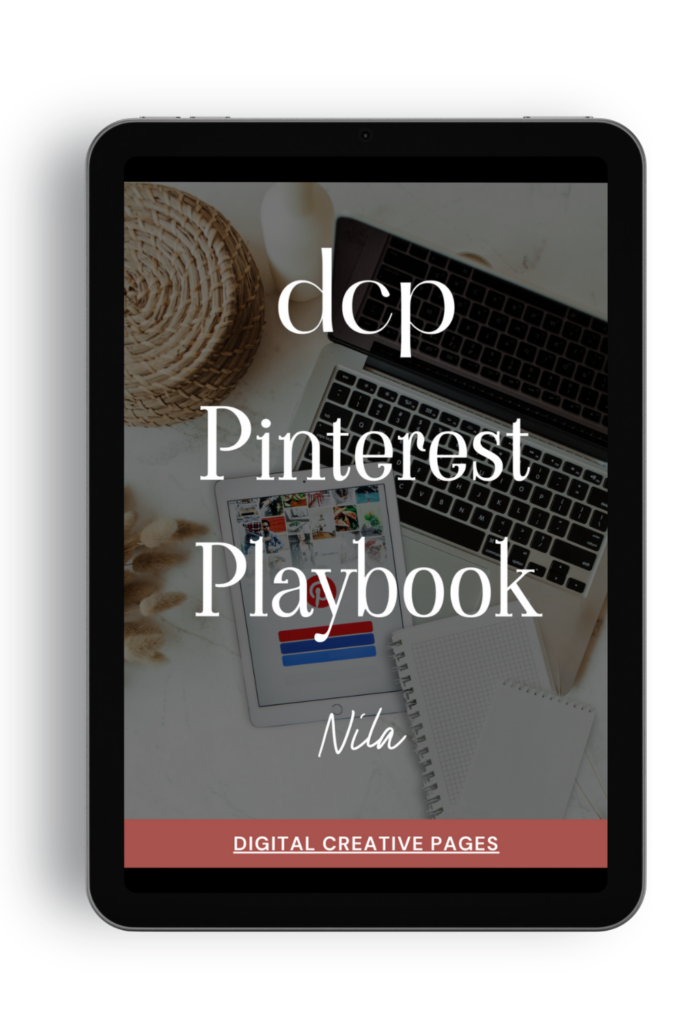
Need a Pinterest strategy that actually works?
The Pinterest Playbook covers everything: how to set up your account, SEO keyword research, algorithm secrets, where to add the keywords, what kind of pins to make.
It’s the complete guide I wish I had when I started. Just 84 pages of what works.
$27 → Get the playbook
WANT TO MASTER CANVA LIKE A PRO?
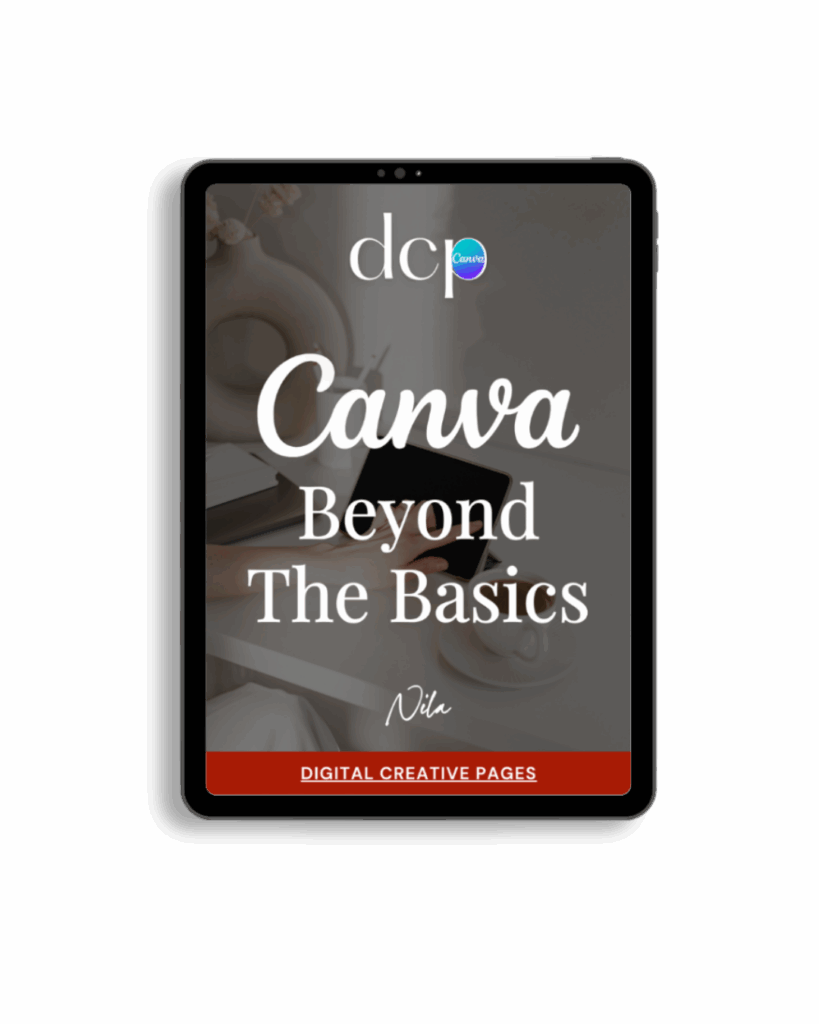
If you’re ready to move beyond basic designs and unlock Canva’s most powerful features, my book Canva – Beyond the Basics is for you.
Learn advanced workflows, time-saving hacks, and features like brand templates that busy entrepreneurs need to create professional content faster. It’s designed for anyone who wants to work smarter, not harder.
TEMPLATES FOR ENTREPRENEURS
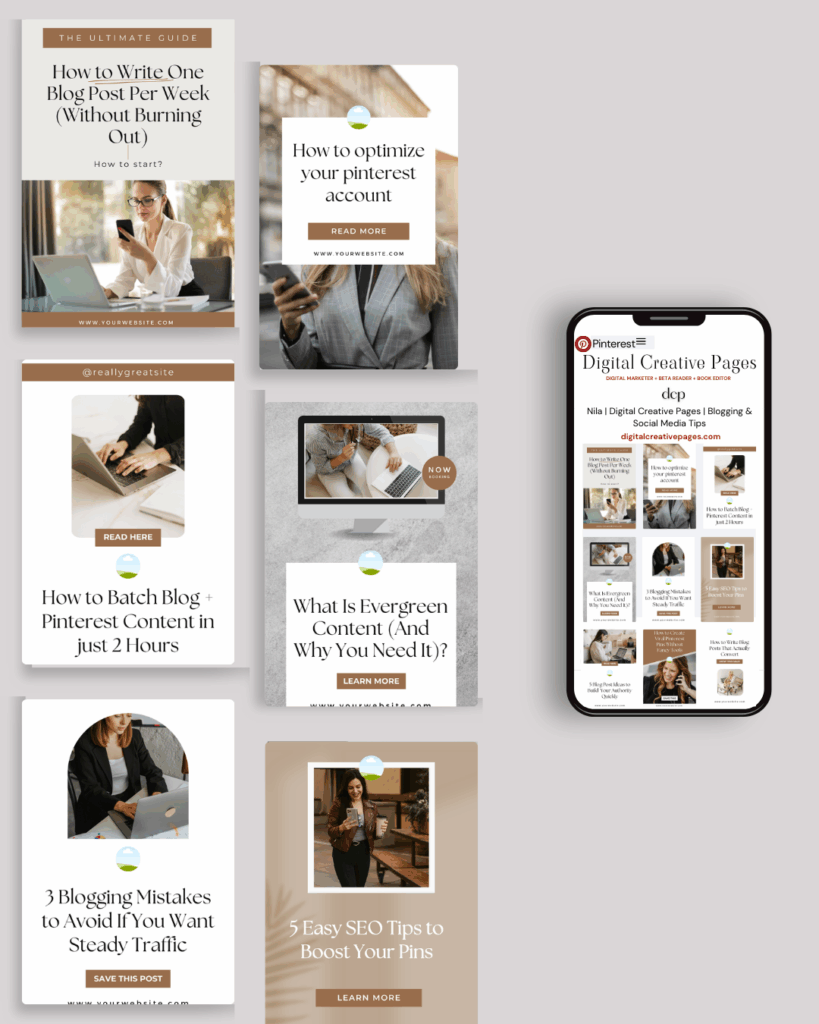
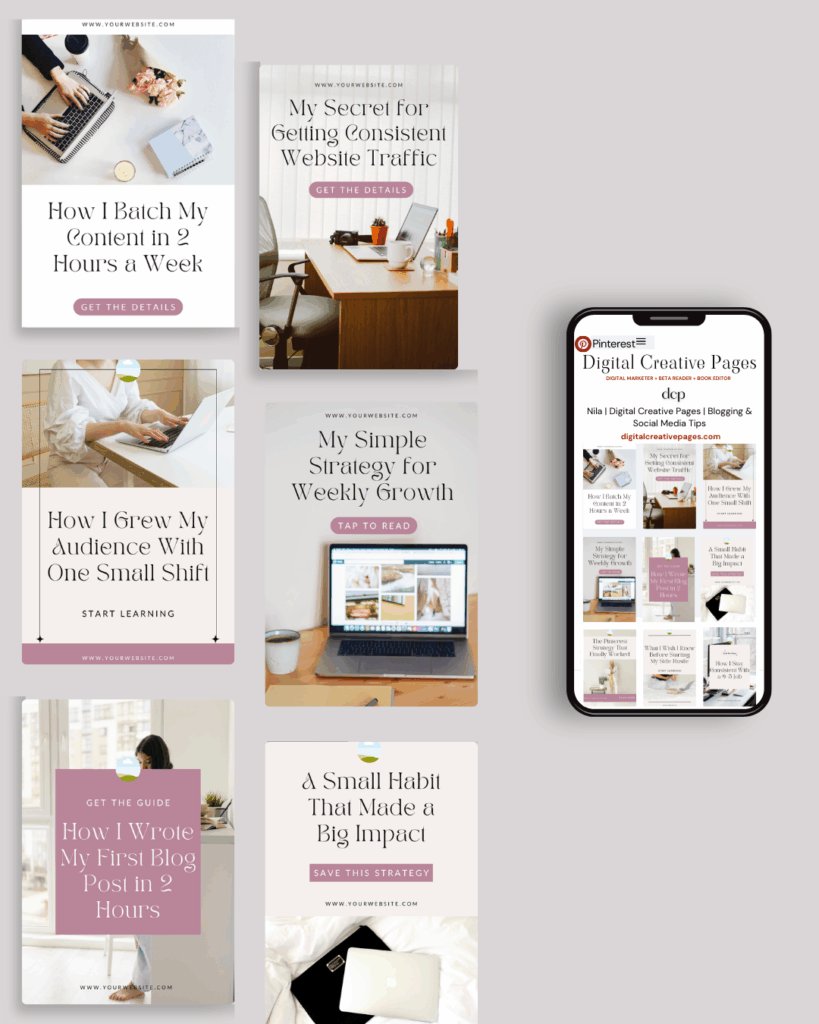
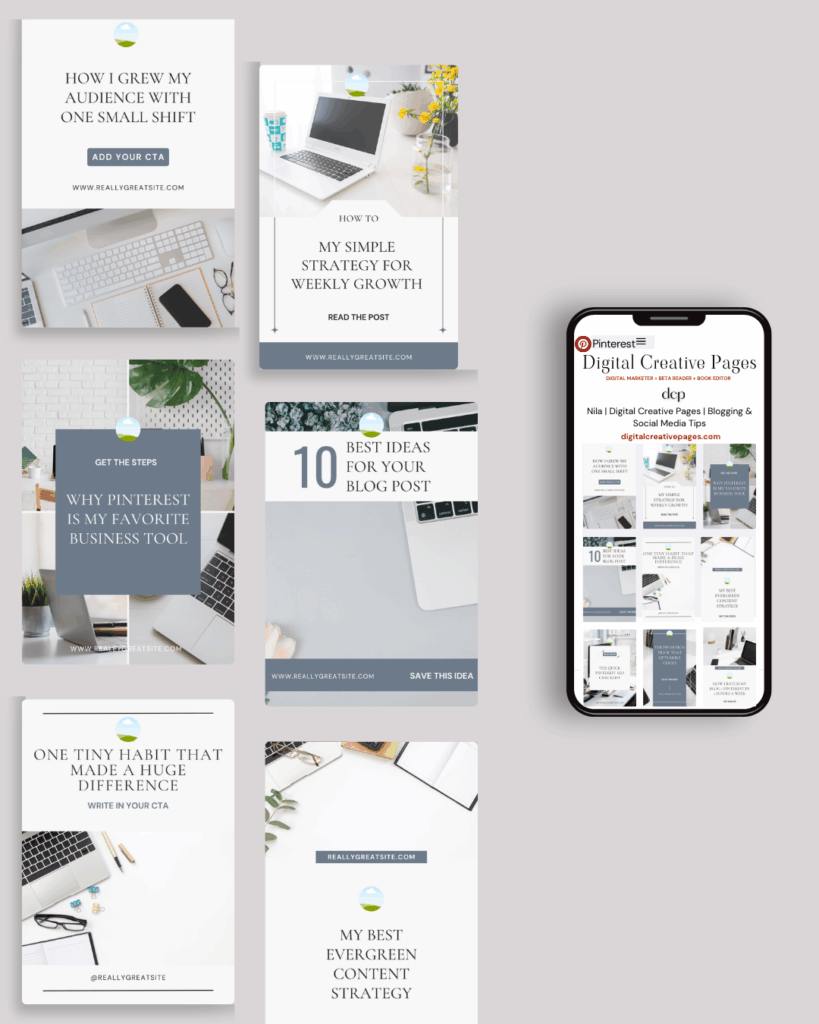
No time to design from scratch? My Pinterest Templates are created with strategy, structure, and your brand in mind.
Pick your style: Modern Minimalist | Soft Storytelling | Entrepreneur-Friendly Layouts
For the cost of a latte, get them here → DCP Shop → $5
MY TOP POSTS
My INTRODUCER post – check out why I chose Showit as my website builder here
Use my affiliate code DCP to get one 1.5 months free on Showit
Get all the resources for your online business growth and Pinterest marketing without breaking the bank from my DCP Shop here
By signing up for my freebies, you are agreeing that I can use your email address to market to you. You can unsubscribe from marketing emails at any time by using the link in my emails.
Previous post
next post
Search + Enter

meet nila

Hi. I am
Nila
Beta reader, book editor, Pinterest manager, Showit VA
I’m a beta reader and book editor and PA for authors, specializing in story clarity and developmental feedback. I run a sustainable online business that keeps working for me 24/7.
Along with this, I offer Pinterest management for overwhelmed creatives and entrepreneurs and set up and customize Showit templates when the tech side gets too overwhelming.

My Shop
Buy now
i need it

Free Stuff
get the goods
check it out

My Favorites
apps + Tools
Yes, please


