Introduction
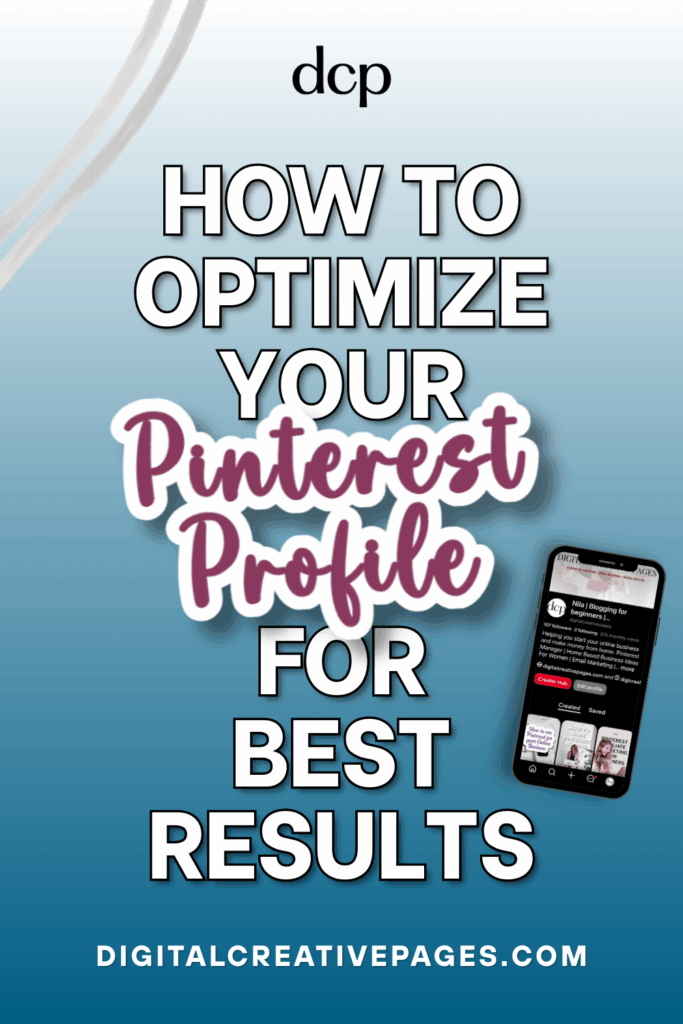
Hey there! A new blog post today, and it’s all about how to optimize your Pinterest profile. For you to be discovered in search results, your Pinterest profile needs to be visible to everyone. That means your profile needs to get found by your ideal audience – the people you’re creating those optimized pins for. However, many creators make a crucial mistake early on. As you already know from previous posts about Pinterest boards and pin optimization, today we’re tackling profile optimization.
When I started out, I spent hours making perfect graphics until I realized my profile also needed SEO optimization. That was a huge mistake. Your Pinterest profile is what people check out once they click on your pin. It’s how they discover you, and it’s what Pinterest uses to understand who you are and who should be your target audience.
From my own experience, my profile went from hundreds of monthly visitors to thousands just by doing the following things. This is what I’ll be taking you through, explaining every step of your Pinterest profile that affects search visibility.
Save this on Pinterest
Why Should You Optimize Your Pinterest Profile?
This is how the Pinterest algorithm works. It doesn’t just look at individual pins in search results, it also considers:
Your Profile Authority: Pinterest gives more weight to pins from well-optimized, established profiles that demonstrate clear expertise in their niche.
Your Niche Clarity: I’m a multi-niche account who was initially scared about posting pins from all my topics in the same account. Luckily, Pinterest doesn’t punish this as long as I’m clear in my bio about what I do and whom I serve. Once Pinterest understood this, it started showing my content to users interested in those topics.
Your Brand Consistency: Optimized profiles get more engagement, which helps Pinterest categorize your content as valuable.
A well-optimized account gets indexed by Pinterest’s algorithm, and your content shows up in relevant searches. Your profile actively helps Pinterest categorize and display your content to the right audience. Connecting the right content with the right audience goes far in building your traffic.
Want easy, practical content tips to grow your business? Join my weekly email list for Canva tricks, new social media updates, and simple strategies that actually work.
Your Profile Image: First Impressions Matter
This is the first thing people notice. Your first impression. Your image appears on every pin you create, even when your full username doesn’t get shown. So, let’s start with the foundation to boost your online visibility.
Option 1: Your Face
Use a clear, professional headshot on a plain background. This works best for bloggers and personal brands because it:
- Makes you more trustworthy
- Builds connection with your audience
- Makes your pins instantly identifiable in feeds
- Builds authority and trust with Pinterest
Technical specs: 165 x 165 pixels, JPG or PNG format, solid plain background, even lighting. A smile helps light up your photo.
Side note: There are times when I’ve expected my pin to show my profile pic and account, but discovered someone stole my content. That’s unfortunately common on Pinterest, and nobody seems to have cracked how to prevent it completely.
Option 2: Your Logo
If you’re a business brand, use your logo. This helps with:
- Brand consistency across all online platforms
- Instant business recognition
- Professional credibility
Technical specs: Same 165 x 165 pixels with a clear logo easily seen in small thumbnails, preferably in high-contrast colors.
Logo tips:
- Keep it simple—symbol or letters work best
- Don’t make it text-heavy or use multiple icons (confusing branding)
- Avoid dark, blurry, or heavily pixelated logos
- Skip busy backgrounds, generic stock photos, or images with borders
Bottom line: Keep it simple but effective.
PIN TEMPLATE CLUB
Creating consistent Pinterest graphics shouldn’t eat up your entire afternoon. That’s why I created the Pinterest Template Membership—15 trending, ready-to-customize templates delivered to your inbox every month for just $9.
No more design paralysis. No more wondering what’s working on Pinterest right now. I research the trends, you get the templates.
Join the membership for $9/month → HERE
🎁 Want 5 Free Pinterest Templates?
Not sure if templates are for you? Grab 5 of my trending Pinterest designs (fully editable in Canva) and test them out—completely free.
Pinterest Cover Image: Prime Real Estate
This is additional space to add SEO keywords and show your audience what you do. Most people either ignore this or use it ineffectively. This is absolute prime real estate that adds to your bio impact.
Here’s how to use it for better search visibility. Your cover should:
- Tell your audience who you are and what you do
- Showcase your brand personality
- Grab attention with your unique style
Technical specs: 1200 x 800 pixels, JPG or PNG format, under 10MB
Cover Image Elements
Text Overlay: Include your niche and SEO keywords using brand colors. Make text easily readable and avoid fancy script fonts. Most importantly, ensure it’s mobile-friendly.
Visuals: You can include multiple images of your best content, your profile photo, or workspace pictures.
What to Avoid
- Generic stock photos without your branding
- Low-resolution images
- Too much information that can’t be seen on mobile
- Text that’s too small or worse—no text at all
Next, let’s tackle one of the most powerful SEO elements
Your Pinterest Name: The SEO Powerhouse
This is huge. Your name is one of the most important elements on your entire profile. It adds to your account’s SEO elements, and Pinterest heavily indexes this text for search results.
My formula: Brand Name + Primary Keyword + Secondary Keyword
Examples for Personal Brands:
- Emma Martinez | Home Organization | Decluttering Tips
- David Chen | Photography Tips | Landscape Photography
- Maria Santos | Budget Recipes | Meal Planning
- Jake Wilson | Fitness Coach | Home Workouts
Examples for Business Brands:
- Coastal Kitchen Co | Modern Farmhouse | Kitchen Design
- Urban Plant Studio | Houseplant Care | Indoor Gardening
- Vintage Finds Shop | Thrift Flips | DIY Home Decor
- Creative Paper Co | Wedding Invites | Custom Stationery
Name Optimization Rules:
- 50 character maximum limit
- Put important keywords at the beginning
- Don’t stuff keywords—keep it readable
- Avoid symbols—stick to letters and numbers
- Update when you expand your niche
Common Name Mistakes:
- Using name without keywords
- Using only keywords without actual names
- Keywords that don’t match content
- Including URLs
- Making it too long so keywords get cut off
Moving on to another critical element
Pin this for later
Profile Description: Your Keyword Center
This is where people check your account, and your audience converts to followers only after seeing your bio. Pinterest doesn’t show the bio in search results—just the account name with keywords. But this profile description is extremely important because you need to optimize it with relevant keywords for better discovery.
My formula: How you help people + niche keywords + social proof + call to action
Character limit: 160 characters
Description Examples:
- Helping busy moms organize their homes | 50K+ followers | Get my free decluttering checklist ⬇
- Easy recipes for real life | Food blogger | Follow for daily meal inspiration
- DIY home projects on a budget | Featured in Better Homes & Gardens | Free project guides below
Two Approaches That Work:
Approach 1: Full Description Tell your audience exactly how you help them, use 2-3 main keywords, add social proof organically, and include a call to action like “get my free guide” or “follow for daily tips.”
Approach 2: Short and Keyword-Rich Many successful accounts just use keywords and keep it short and to the point. This also works well.
Profile Description Tips:
- Use power words like “free,” “easy,” “quick,” “proven”
- Match the tone of your content
- Address your audience’s specific pain points
- Keep it professional without flowery language
- Use language your audience understands (no dictionary needed)
- You can use 1-2 emojis related to your niche if it fits your style
Testing tip: Try different versions and see which performs better. You can update seasonally if relevant to your niche, but don’t change frequently.
Need Pinterest keywords that actually work?
Stop guessing. I’ll research 30 SEO keywords for your niche – the words/phrases people are searching for on Pinterest right now.
You fill out a quick form (niche, content type, blog posts), I do the research, and you get a keyword list in 7 days. Use them in your pins, titles, and descriptions.
$27. Simple.
Request your keywords → HERE
Website URL: Credibility and Traffic Driver
If you’ve claimed your website, it adds credibility and drives crucial traffic to your blog. Always link to your main website. Pinterest now also allows you to link Instagram and Amazon profiles, which can boost your overall online presence.
Pinterest Boards for Profile Optimization
Board naming is crucial for SEO. I’ve already written a detailed blog post about this HERE. In short:
Board Optimization Strategy:
- Choose board names directly from Pinterest search results
- Use words Pinterest suggests rather than creating your own terms
- Long-tail keywords help with discovery
- Have separate boards for each main blogging topic
- Make each board keyword-rich with relevant descriptions
- Explain what people can expect from each board
Critical point: Each board must be pinned to regularly. You can’t create a board and forget it. Regular updates show Pinterest you’re still active in those topics.
Implementation: Your Action Plan
Now that you know what to do, here’s how to implement these changes:
Firstly, Audit Your Current Profile
Screenshot your current profile and identify:
- Missing keywords
- Areas for improvement
- Elements that need updating
After That, Research Your Audience
- Use Pinterest search to see what your audience actively looks for
- Study successful competitor profiles in your niche
- Note which keywords they’re using effectively
Subsequently, Update All Profile Elements
- Profile image: Professional headshot or clear logo
- Cover image: Add text overlay with keywords and value proposition
- Name: Include primary and secondary keywords
- Bio: Keyword-rich description that explains your value
- Website: Claim and connect all relevant accounts
Then, Track Your Progress
Take a new screenshot as your baseline. Note your:
- Current follower count
- Engagement rates
- Monthly profile visits
Finally, Measuring Success
Check Pinterest Analytics monthly (daily checking doesn’t help). Look for:
- Follower growth: Steady upward trend
- Impression increase: More people seeing your content
- Engagement improvement: Higher saves, clicks, and comments
Common Pinterest Profile Optimization Mistakes
However, there are several pitfalls to avoid
Keyword Stuffing
Don’t add too many keywords—your profile should look human-written, not bot-created.
Being Too Broad
Big, broad keywords don’t help nowadays. Niche down and make your account serve a specific portion of your audience.
No Cover Image
This is surprisingly common. Adding one helps optimize your profile and brings more people to your account.
Not Mobile-Friendly
Most people use mobile for everything. Ensure your account looks great on small screens.
Missing Call to Action
Tell people what you want them to do next—follow, visit your blog, download your guide.
Outdated Information
Remove old information that’s no longer relevant. Keep your bio current and update when your niche changes.
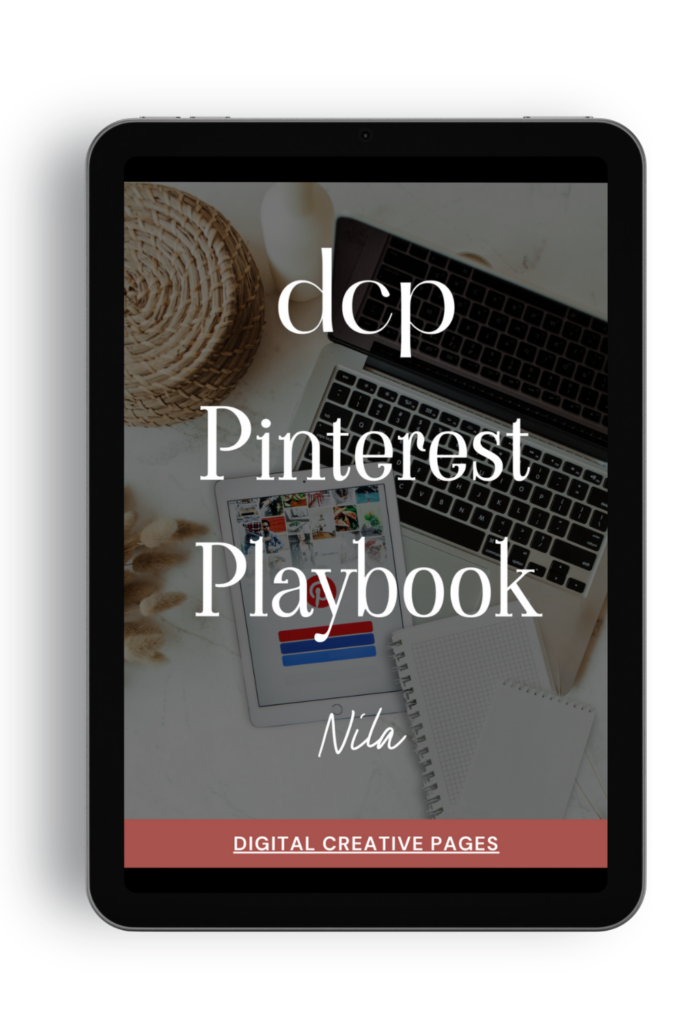
Need a Pinterest strategy that actually works?
The Pinterest Playbook covers everything: how to set up your account, SEO keyword research, algorithm secrets, where to add the keywords, what kind of pins to make.
It’s the complete guide I wish I had when I started. Just 84 pages of what works.
$27 → Get the playbook
Wrapping It Up
Your profile is the foundation of your Pinterest strategy, so it should be completely optimized for success. It takes just a second for Pinterest users to decide whether to follow you or not. Your account needs to show people your value, making following you the natural next step.
The best part? This optimization can be done once and will help you build monthly visits for months. Your Pinterest profile works even when you’re sleeping or not actively posting.
Your Pinterest Profile Optimization Checklist
✓ Professional profile image (headshot or logo)
✓ Eye-catching cover image with keywords and value proposition
✓ Optimized name including main and secondary keywords
✓ Keyword-rich bio that explains your value
✓ Website and social accounts claimed and connected
✓ Keyword-optimized board names and descriptions
✓ Regular pinning schedule across all boards
These small changes will give you big results, helping the right people find you and making the decision to follow your profile easy. Your profile is the first impression your audience gets—make it count.
Ready to take your Pinterest strategy to the next level but don’t have the time?
As an experienced Pinterest manager, I help busy entrepreneurs and content creators grow their traffic and sales through strategic Pinterest marketing. From profile optimization to keyword-rich pin creation and board management, I handle the technical details so you can focus on your business. If you’re ready to transform your Pinterest presence without the overwhelm, let’s chat about how my Pinterest management services can work for you. Contact me to get started.
Loved This Post? Save It for Later!
And hey! If this post helped you, don’t forget to pin it to one of your boards so you can revisit it anytime. And more small business owners and creators can discover these helpful tips. Every save and share genuinely supports my work, and I’m grateful for it! Thank you!
TEMPLATES FOR ENTREPRENEURS
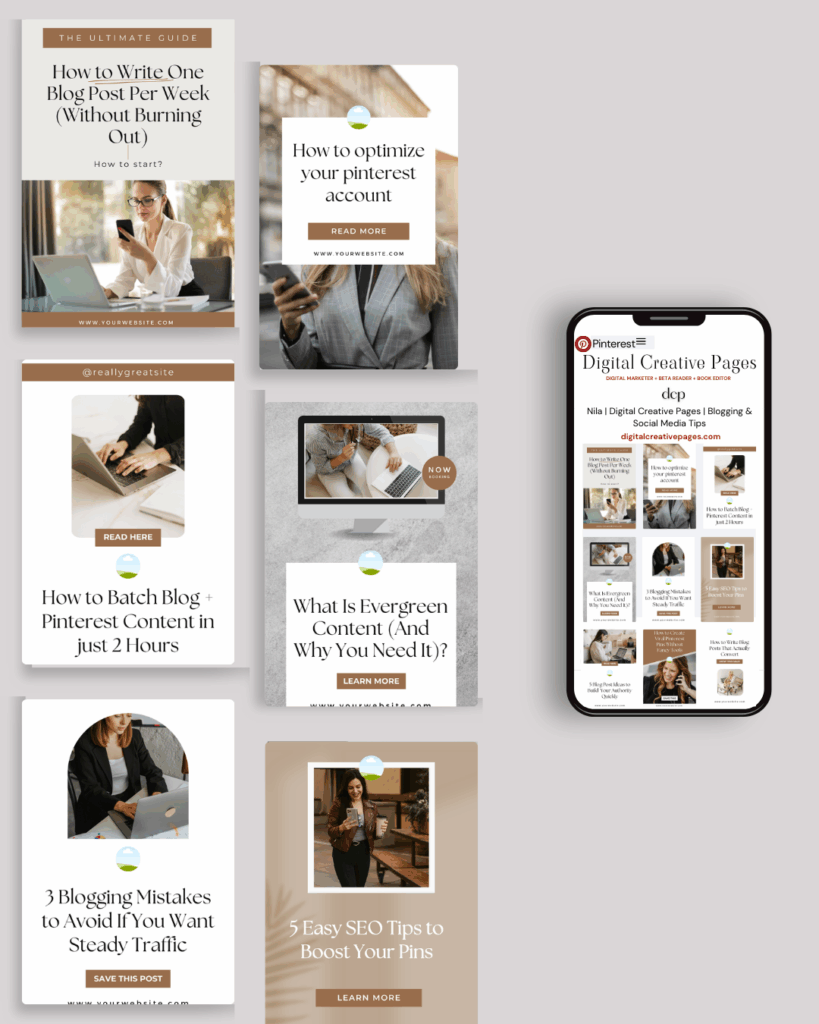
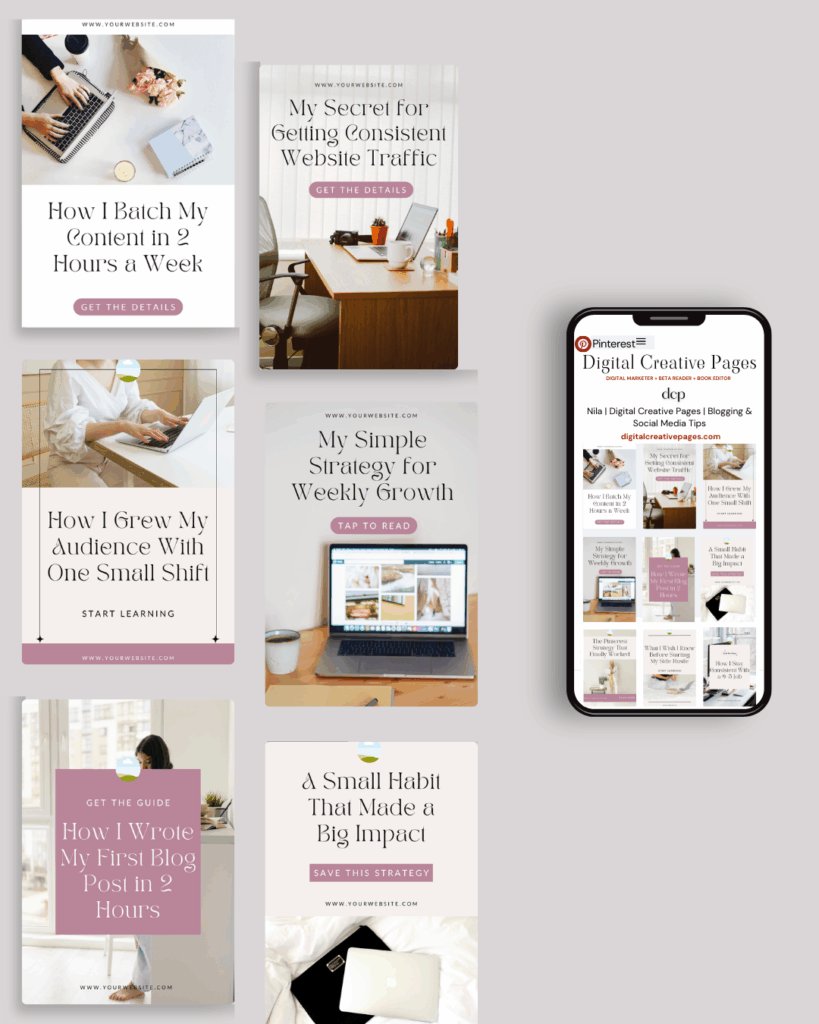
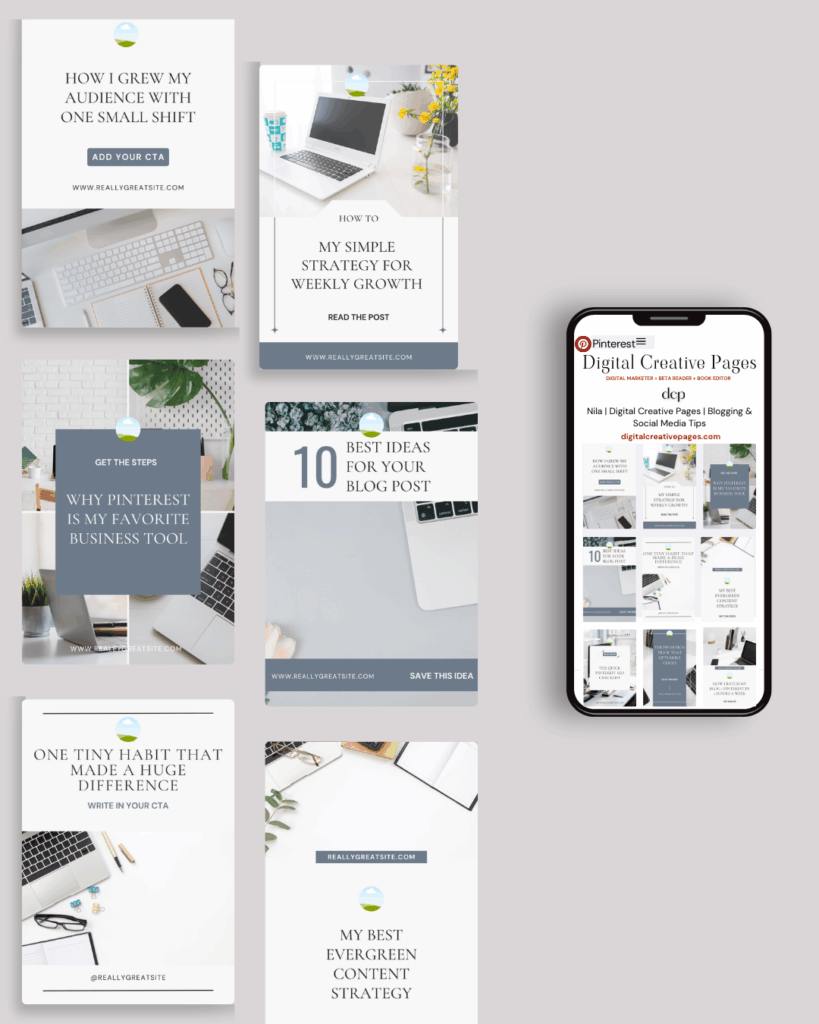
No time to design from scratch? My Pinterest Templates are created with strategy, structure, and your brand in mind.
Pick your style: Modern Minimalist | Soft Storytelling | Entrepreneur-Friendly Layouts
For the cost of a latte, get them here → DCP Shop → $5
MY TOP POSTS
My INTRODUCER post – check out why I chose Showit as my website builder here
Use my code DCP to get one 1.5 months free on Showit
Get all the resources for your online business growth and Pinterest marketing without breaking the bank from my DCP Shop here
By signing up for my freebies, you are agreeing that I can use your email address to market to you. You can unsubscribe from marketing emails at any time by using the link in my emails.
Previous post
next post
Search + Enter

meet nila

Hi. I am
Nila
Beta reader, book editor, Pinterest manager, Showit VA
I’m a beta reader and book editor and PA for authors, specializing in story clarity and developmental feedback. I run a sustainable online business that keeps working for me 24/7.
Along with this, I offer Pinterest management for overwhelmed creatives and entrepreneurs and set up and customize Showit templates when the tech side gets too overwhelming.

My Shop
Buy now
i need it

Free Stuff
get the goods
check it out

My Favorites
apps + Tools
Yes, please


